Turning away a customer because you can only accept cash is a painful, and preventable, loss of revenue. In a world where fewer people carry cash, offering card payments is no longer a luxury; it’s a necessity for growth. You might think setting this up is complicated or expensive, but the solution is simpler than you realize. If you’ve been asking yourself, how do I accept credit card payments on my phone, you’ve come to the right place. We’ll walk you through the different methods, from simple app-based solutions to hardware that makes every transaction professional and seamless.
Key Takeaways
- Choose the right tool for the sale: You can turn your phone into a payment terminal using a mobile app with a card reader, your phone’s built-in Tap to Pay feature, or a virtual terminal for phone orders. Assess how you do business to decide which method offers the best fit for you and your customers.
- Understand the costs and security standards: A trustworthy payment provider will offer transparent pricing, so you know exactly what you’ll pay in transaction fees, monthly charges, and hardware costs. Make sure any solution you choose is PCI compliant to keep customer data safe and protect your business.
- Find a partner that supports your growth: Look beyond the app and evaluate the provider’s customer support, software integrations, and scalability. The right partner offers reliable help when you need it and provides features that can grow with your business, saving you from switching systems later on.
How Can I Accept Card Payments on My Phone?
Turning your smartphone into a payment terminal is simpler than you might think. Gone are the days of needing a clunky, traditional cash register to make a sale. Whether you’re running a booth at a farmers market, providing services at a client’s home, or just need a flexible way to get paid, your phone is powerful enough to handle the job. The key is choosing the right method that fits how you do business.
There are a few core ways to accept card payments using your phone. You can use a dedicated app paired with a small card reader, leverage your phone’s built-in hardware to accept contactless payments directly, or even manually key in card information for remote orders. Each option offers a different level of convenience and is suited for different types of transactions. Let’s break down exactly what these methods are and how they work, so you can find the perfect fit for your business.
Mobile Payment Apps
The first step to accepting payments on your phone is downloading a mobile payment app. Think of this app as the command center for all your transactions. It’s what turns your everyday smartphone into a secure and functional point-of-sale (POS) system. When you partner with a payment provider, they will give you access to an app where you can enter sale amounts, track inventory, manage customer information, and view sales reports. You can use the app on its own to key in card numbers manually, or you can connect it to a card reader for in-person payments. It’s the essential software that makes mobile processing possible.
Mobile Card Readers
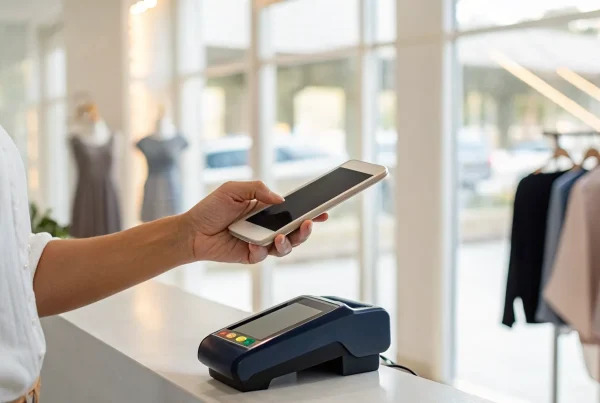
For a more traditional checkout experience, a mobile card reader is your best friend. These are small, portable devices that connect to your smartphone or tablet, usually via Bluetooth. A mobile reader allows you to accept a full range of payments, including swiping a magnetic stripe, inserting a chip card (EMV), or tapping a contactless card or digital wallet like Apple Pay. This method is perfect for face-to-face interactions because it gives customers the security and familiarity of using a physical terminal. It’s a reliable and professional way to ensure you never miss a sale, no matter where you are.
Tap to Pay
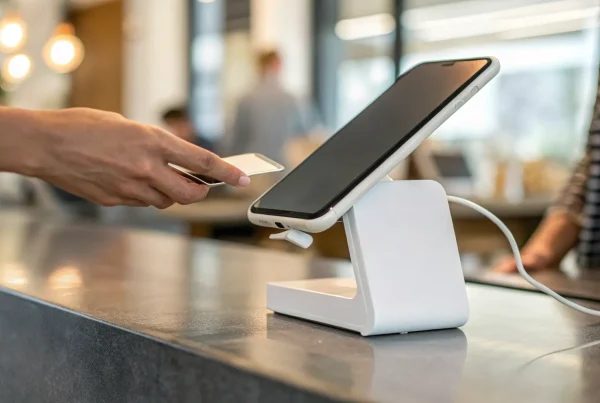
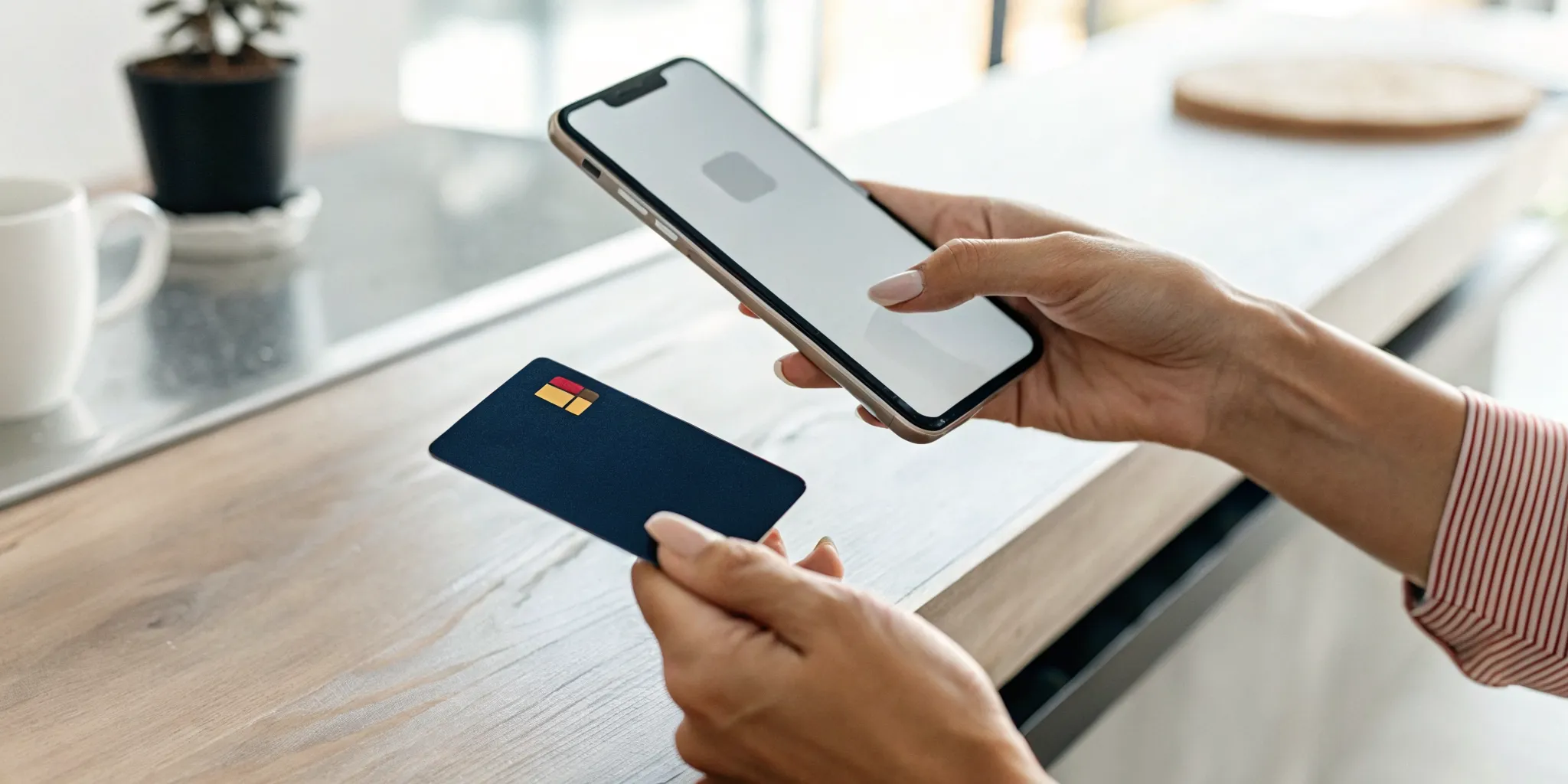
If you want the most streamlined setup possible, Tap to Pay is the answer. This technology uses your phone’s built-in Near Field Communication (NFC) chip to accept contactless payments directly on your device, no extra hardware required. With a compatible app, you can have customers tap their contactless credit card, debit card, or smartphone wallet against your phone to complete a transaction. Both Tap to Pay on iPhone and similar features on Android devices make this an incredibly convenient option for businesses on the move. It’s fast, secure, and perfect for merchants who want a minimal, modern payment solution.
Virtual Terminals
What about when your customer isn’t standing in front of you? That’s where a virtual terminal comes in. A virtual terminal is a secure web page that you can access from your phone’s browser or directly within your payment app. It allows you to manually type in a customer’s credit card information to process a payment. This is the ideal solution for handling mail orders, taking payments over the phone, or invoicing clients remotely. It gives you the flexibility to accept card-not-present transactions securely without needing any physical hardware, ensuring you can get paid from anywhere.
How to Set Up Your Phone for Card Payments
Getting your phone ready to accept credit cards is a straightforward process. It only takes a few steps to turn your smartphone into a powerful point-of-sale system. By following this guide, you can start processing payments quickly and securely, whether you’re at a pop-up market, on a house call, or in your brick-and-mortar shop. Let’s walk through setting it all up.
Choose and Install a Payment App
Your first step is to select a payment processing app that fits your business needs. Think of this app as the command center for all your mobile transactions. Different providers offer various features and fee structures, so it’s worth exploring your options to find the right match. Some are great for businesses just starting out, while others offer more advanced inventory features. Once you’ve made your choice, download the app from your phone’s app store and sign up for a business account. This account is your gateway to securely accepting payments and managing your sales from anywhere.
Create Your Merchant Account
After you’ve chosen a payment app, you’ll need to set up a merchant account. This is a specific type of bank account that allows your business to accept and process credit and debit card payments. The application process usually involves providing some basic information about your business, like your business name, address, and tax identification number. Your payment provider will guide you through the steps. This account is essential, as it’s where all your transaction funds will be routed before they land in your business bank account.
Link Your Bank Account
With your merchant account established, the next step is to connect your business bank account. This is a crucial link in the payment chain. Linking your account ensures that the money you earn from sales is transferred from your merchant account directly into your bank account. This process, often called settlement or funding, is how you get paid. Most apps make this simple, requiring you to enter your bank’s routing and account numbers. Double-check that the information is correct to avoid any delays in receiving your funds.
Configure Your Phone’s Settings
To accept contactless payments, you’ll need to make a quick adjustment to your phone’s settings. This enables the near-field communication (NFC) technology that makes tap-to-pay possible. If you have an Android device, go into your settings and ensure that “NFC and Contactless Payments” is turned on. For iPhone users, the feature is called Tap to Pay on iPhone, and you’ll typically enable it directly within your payment processor’s app settings. This simple configuration prepares your phone to communicate securely with credit cards and digital wallets.
Run a Test Transaction
Before you start accepting payments from customers, it’s always a good idea to run a small test transaction. This is like a final dress rehearsal to make sure everything is working perfectly. You can use your own personal credit card to process a small amount, like one dollar. This test confirms that your payment app is functioning, the card reader or tap-to-pay feature is active, and the funds are successfully transferred to your linked bank account. It’s a simple step that gives you peace of mind before you process your first official sale.
What Fees Can I Expect with Mobile Payments?
Let’s talk about the most important part: the cost. When you start accepting mobile payments, you’ll encounter a few different types of fees. Understanding these costs upfront helps you choose a provider that fits your budget and protects your profit margins. A transparent payment partner will always be clear about what you’re paying for, so don’t be afraid to ask questions. The goal is to find a solution that helps you make money, not one that slowly drains your revenue with confusing charges.
Understanding Transaction Fees
The most common cost you’ll see is the transaction fee, which is typically a small percentage of each sale. For example, a provider might charge 2.7% + $0.10 for every payment you process. These rates can change depending on how you take the payment. A “card-present” transaction, where a customer taps or inserts their physical card, is usually the cheapest. However, a “card-not-present” transaction, where you manually type in the card details, often comes with a higher fee because the risk of fraud is greater. It’s important to know the different types of processing fees so you can accurately predict your expenses.
Factoring in Monthly Charges
Beyond per-transaction costs, some mobile payment providers charge a monthly fee for using their service. This could be a flat rate for software access, account maintenance, or other features. While some companies offer plans with no monthly fees, they might have slightly higher transaction rates to compensate. It’s a good idea to do the math for your specific business. If you have a high volume of sales, a low transaction rate with a monthly fee might be more affordable. If your sales are less frequent, a plan with no monthly fee could be the better choice.
Calculating Hardware Costs
To accept taps and swipes, you’ll need a mobile card reader. The cost of this hardware can vary quite a bit. Some payment processors provide a basic reader for free when you sign up, while more advanced models with additional features might cost anywhere from $50 to a few hundred dollars. When you’re comparing options, think of the hardware as a one-time investment. Consider its cost alongside the transaction and monthly fees to get a full picture of what you’ll be paying. A free reader is great, but not if it comes with expensive long-term processing rates.
How to Spot Hidden Fees
Unfortunately, not all fees are advertised upfront. It’s crucial to read your merchant agreement carefully to check for less obvious charges. Look out for things like PCI compliance fees, statement fees, chargeback fees, or early termination fees. A trustworthy provider will have a clear and simple pricing structure. Before you commit, ask for a complete fee schedule and have a representative walk you through every potential charge. This diligence ensures you won’t be surprised by unexpected deductions from your daily sales and can choose a merchant services provider that truly has your back.
How to Keep Mobile Payments Secure
Accepting payments on your phone is incredibly convenient, but it also comes with the responsibility of protecting your business and your customers. Security isn’t just about technology; it’s about building trust. By following a few key practices, you can ensure every mobile transaction is safe, secure, and seamless.
Meeting PCI Compliance Standards
If you accept credit cards, you must follow the Payment Card Industry (PCI) security standards, and that includes payments taken on your phone. These rules are in place to protect cardholder data from fraud. The easiest way to stay compliant is to partner with a payment provider that handles the heavy lifting for you. A compliant processor ensures their apps and card readers use encryption and other security measures, so you can focus on your business without worrying about complex PCI requirements.
Securing Your Device
Your phone is your new cash register, so it’s important to treat it with the same level of security. Start by setting a strong passcode or using biometric locks like fingerprint or face ID. Always keep your phone’s operating system and your payment app updated to get the latest security patches. Be cautious about connecting to public Wi-Fi networks when processing payments, as they can be less secure. After each transaction, always check that the screen shows “Approved” to confirm the payment was successful and complete.
Protecting Customer Data
When you take a payment, you’re handling sensitive information. Protecting that data is essential. For transactions where you manually key in card details, gathering more customer information helps reduce fraud risk. Always ask for the full card number, the name on the card, the expiration date, the CVV security code, and the customer’s billing address. This information helps verify that the person making the purchase is the legitimate cardholder. A secure payment app will encrypt this data instantly, keeping it safe from exposure.
Using Fraud Prevention Tools
The customer details you collect do more than just confirm an identity; they power important fraud prevention tools that work behind the scenes. Features like the Address Verification Service (AVS) check the customer’s billing address against the one on file with their bank. Similarly, CVV verification confirms they have the physical card. Using a payment solution with these tools built-in is one of the most effective ways to prevent chargebacks and protect your revenue from fraudulent activity.
What to Look for in a Mobile Payment App
With so many mobile payment apps on the market, choosing the right one can feel overwhelming. But the app you select is more than just a tool; it’s a central part of your customer experience and your daily operations. The best app for your business will be easy to use, secure, and affordable, with the flexibility to support you as you grow.
Think of it as hiring a new team member. You want someone reliable, transparent, and efficient who makes your job easier, not more complicated. When you’re evaluating your options, focus on a few key areas: the user experience, the quality of support, the fee structure, security standards, and scalability. Getting this choice right from the start will save you countless headaches and help you create a seamless checkout process that keeps customers coming back.
A Simple, User-Friendly Interface
When you’re busy running your business, the last thing you need is a clunky, confusing app. Look for a clean, intuitive interface that makes it easy to process transactions quickly. If you’re often on the go, you need an app that works with you, not against you. A great mobile payment system can also connect with your other business tools, like your accounting software or inventory management system. This kind of POS integration automatically updates your records, which means less manual data entry and fewer mistakes for you to fix later. Your payment app should simplify your workflow, not add to it.
Reliable Customer Support
When you have a question about a payment or run into a technical issue, you need answers fast. Waiting on hold or getting stuck in an endless email loop is frustrating and can cost you sales. That’s why reliable customer support is non-negotiable. Before you commit to an app, find out what kind of support the provider offers. Do they have phone support with real people, or are you limited to a chatbot? Always work with a trusted payment processor that prioritizes service. Knowing you have a dependable team to back you up provides peace of mind and lets you focus on your customers.
Transparent Pricing and Fees
Fees are an unavoidable part of accepting card payments, but they should never be a mystery. A trustworthy provider will be upfront about their pricing. Look for a clear breakdown of costs, which typically include a percentage of each transaction and sometimes a small fixed fee. Be sure to ask if there are different rates for swiped, keyed-in, or contactless payments, as card-not-present transactions often cost more. Some providers also charge monthly fees or have hidden costs buried in the fine print. Find a partner who offers transparent pricing so you can accurately predict your expenses and manage your budget without any surprises.
Secure and Compliant Processing
Protecting your customers’ financial information is one of your most important responsibilities. A solid mobile payment app should have security built into its core. This means it must be PCI compliant, which is the industry standard for protecting card data. Modern apps use advanced security measures like encryption and tokenization to ensure sensitive information, like credit card numbers, is never stored on your device or their servers. This protects both you and your customers from fraud and helps build the trust that is essential for any successful business. Don’t be afraid to ask a potential provider about the specific security features they have in place.
Features That Grow With You
The payment solution that works for you today might not be enough for you tomorrow. As your business expands, your needs will change. Maybe right now you just need a simple way to accept contactless payments. But in a year, you might want to send invoices, set up recurring billing for subscribers, or dive into detailed sales analytics. Choose a mobile payment app that offers a suite of features you can grow into. A scalable solution saves you from having to switch providers and migrate all your data down the road. Think about your long-term goals and find a partner whose technology can support your vision.
What Other Equipment Might I Need?
While your smartphone is the star of the show, a few supporting actors can make your mobile payment setup more professional and reliable. You don’t need a ton of extra gear, but thinking through a few key accessories will ensure you’re prepared for any situation. Investing in a simple card reader, for example, can make transactions faster and often qualifies you for lower processing fees compared to manually typing in card numbers.
Similarly, while email and text receipts are the norm, some customers still appreciate a physical copy. Having a small, portable printer on hand shows you’re ready to meet any customer preference. Finally, technology isn’t always perfect. A dead battery, a weak Wi-Fi signal, or a software glitch can happen at the worst possible moment. That’s why having a simple backup plan is one of the smartest moves you can make. It’s not about spending a lot of money; it’s about being thoughtful and ensuring you never miss a sale. Let’s look at a few pieces of equipment that can round out your mobile payment toolkit.
Choosing a Card Reader
While you can manually key in credit card numbers, using a mobile card reader is faster, more secure, and often cheaper. These small devices connect to your phone or tablet via Bluetooth or the headphone jack and allow you to accept payments with a quick swipe, dip, or tap. Many processors offer apps that let you accept credit card payments with a reader that attaches directly to your phone. Not only does this look more professional to customers, but card-present transactions typically have lower processing fees than keyed-in ones, saving you money in the long run.
Deciding on a Receipt Printer
In a world of digital everything, do you still need a receipt printer? The answer depends on your customers. While many people are happy with an email or text receipt, some still prefer or require a physical copy for business expenses or personal records. The good news is you don’t need a bulky, old-school cash register. You can easily find a lightweight, portable receipt printer that connects to your phone via Bluetooth. Offering both digital and physical receipts is a simple way to provide great customer service and accommodate everyone’s preferences.
Planning for a Backup Method
What happens if your phone dies, the internet goes out, or your payment app has a temporary glitch? A lost sale is the last thing you want. That’s why having a backup plan is crucial. It doesn’t have to be complicated. Your backup could be as simple as accepting cash or having a secondary payment app ready to go on your device. The key is to work with a trusted processor to set up secure ways to take payments and have a Plan B in your back pocket. This foresight ensures you can keep business running smoothly, no matter what happens.
How to Handle Common Mobile Payment Issues
Accepting payments on your phone is incredibly convenient, but like any technology, you might run into a few snags. The good news is that most common issues have simple fixes. Instead of panicking when a payment doesn’t go through, you can run through a few quick checks to get back up and running in no time. Knowing how to troubleshoot these minor hiccups will keep your transactions flowing smoothly and your customers happy. Let’s walk through the most frequent problems and how to solve them.
Solving Device Compatibility
Before you can start accepting payments, your phone needs to be ready for the job. Payment apps require modern hardware and software to run securely. If you’re using an older phone, you might find that the app won’t install or that features like Tap to Pay don’t work. For example, many apps require at least Android 9 or an iPhone Xs or newer. The easiest way to avoid this issue is to check the app’s compatibility requirements before you commit. A quick visit to the app’s website or help center will tell you exactly which operating systems and phone models are supported, saving you a major headache down the line.
Dealing with Poor Connectivity
Mobile payment apps need a stable internet connection to process transactions. If you’re at a market with spotty Wi-Fi or in a building with poor cell service, you might see a payment fail. The first step is to check your connection. Try switching from Wi-Fi to cellular data (or vice versa) to see if you can get a stronger signal. Some payment apps offer an offline mode that lets you accept cards without a connection and then processes them once you’re back online. This can be a lifesaver, so check if your app has this feature and learn how to use it before you’re in a bind.
Managing Transaction Limits and Fraud
For security reasons, payment processors often set limits on transaction amounts. For instance, a single contactless payment might be capped at $50,000, while a physical tap-to-pay card could have a lower limit. It’s important to know these limits to avoid declined payments on large sales. At the same time, you need to be vigilant about security. Taking card details over the phone or manually keying them in carries a higher risk of fraud. Always use a secure payment app and follow best practices to protect your business from unauthorized transactions and costly chargebacks.
Troubleshooting App Set-Up
Sometimes, the problem isn’t the app itself but a setting on your phone. If your Tap to Pay feature isn’t working, dive into your phone’s settings. On an Android device, make sure that NFC (Near Field Communication) is turned on, as this is the technology that enables contactless payments. You should also check if you have “Developer options” enabled for any reason; this setting can sometimes interfere with payment apps, so turning it off can resolve the issue. These simple tweaks often fix the problem without you needing to contact customer support, getting you back to business faster.
How to Choose the Right Mobile Payment Solution
With so many mobile payment options available, picking the right one can feel overwhelming. But it doesn’t have to be. The best solution for your business is the one that fits your specific needs, budget, and workflow. Instead of just picking the first app you see, take a moment to think through a few key factors. Consider how you sell, what features you actually need, and what kind of support will help you succeed.
Making a thoughtful choice now will save you from headaches and hidden costs down the road. A great mobile payment solution should feel like a natural extension of your business, making it easier to get paid, manage your sales, and keep your customers happy. It should work for you, not the other way around. Let’s walk through the four most important things to consider to find the perfect fit for your business.
Assess Your Business Needs
First, think about how and where you do business. Are you a food truck that needs to process payments quickly in a fast-paced line? Or are you a freelance photographer who invoices clients and occasionally takes a card payment in person? The right method really depends on your daily operations. For example, a simple Tap to Pay feature is perfect if you primarily accept contactless payments and want to avoid extra hardware. However, if you need to accept all card types, including swipe and chip cards, a mobile card reader is a more reliable choice, especially if you have a steady volume of sales. Make a list of your must-haves before you start comparing options.
Compare Features and Pricing
Pricing is more than just the number you see advertised. It’s essential to review the fee structure from any provider you’re considering, as costs can vary quite a bit. Most providers charge a percentage of each transaction, and you might see higher fees for payments where the card isn’t physically present (known as card-not-present transactions). Some also have monthly subscription fees or hardware costs. Look for a partner who offers transparent pricing without long-term contracts. Programs like dual pricing can also help you significantly reduce your processing costs by giving customers the choice to pay a small service fee for card transactions.
Check for Key Integrations
Your payment app shouldn’t operate in a silo. Think about the other tools you use to run your business, like your accounting software, online store, or customer relationship manager (CRM). The right mobile payment solution should integrate smoothly with the systems you already rely on. For instance, many popular apps connect with platforms like Shopify, QuickBooks, and other business tools. These e-commerce integrations save you time by automatically syncing sales data, reducing manual entry, and giving you a clearer picture of your business performance. Always check an app’s integration capabilities to ensure it will fit seamlessly into your workflow.
Look for Great Customer Support
When a payment issue arises, you need help from a real person, fast. Imagine you’re in the middle of a busy market and your card reader stops working. Waiting on hold or getting stuck with an unhelpful chatbot is the last thing you need. Before committing to a provider, find out what their customer support is like. Do they offer phone support, or is it just email and chat? Are they available during your business hours? Having a reliable support team to call can make all the difference, turning a potentially stressful situation into a minor hiccup. Look for a partner who values your business and is ready to provide personalized service when you need it most.
Related Articles
- 4 Easy Ways to Pay Without a Physical Credit Card
- How to Accept Credit Card Payments: The 2026 Guide
- 6 Best Credit Card Machines for Phones (2025)
Frequently Asked Questions
How quickly will I get my money after making a sale? This is one of the most important questions for any business owner. Funding times can vary depending on your payment provider, but you can generally expect to see the money in your linked bank account within one to three business days. Some processors offer instant or same-day funding options, sometimes for an additional fee, which can be a great feature if quick access to your cash flow is a priority.
Is it really secure to use my personal phone for business payments? Yes, it is very secure when you use a reputable payment app. The security comes from the app’s technology, not the phone itself. When you process a transaction, the customer’s card information is instantly encrypted and sent to the processor. Sensitive data is never stored on your device, which protects both you and your customer from potential fraud. Just be sure to keep your payment app and phone software updated and use a strong passcode on your device.
What’s the main advantage of using a physical card reader if Tap to Pay is an option? While Tap to Pay is incredibly convenient for its simplicity, a physical card reader offers greater versatility. A reader allows you to accept all types of card payments, including older magnetic stripe cards and chip cards, which some customers still use. This ensures you never have to turn away a sale because a customer’s card isn’t contactless. Card readers also provide a familiar, professional checkout experience that can build customer confidence.
Do I need a separate business bank account to get started? While some payment apps may let you link a personal account, it is always a smart move to set up a dedicated business bank account. Keeping your business and personal finances separate makes bookkeeping, tax preparation, and tracking your profitability much simpler. It presents a more professional image and helps you build a financial history for your business, which is important for future growth.
What happens if a customer needs a refund? Handling refunds is a standard part of running a business, and mobile payment apps make it straightforward. You can typically process a refund directly from the app by finding the original transaction in your sales history. From there, you’ll have the option to issue a full or partial refund. The funds are then returned to the customer’s card, though it may take a few business days for the credit to appear on their statement.