If you’re still juggling a separate cash register, an inventory spreadsheet, and a different tool for customer information, you know how much time gets wasted. These disconnected systems create extra work and make it impossible to see the full picture of your business’s health. This is where modern pos software changes the game. It’s designed to bring all those scattered pieces together into one streamlined, central hub. Instead of just processing transactions, it becomes the command center for your entire operation, helping you track sales, manage stock, and understand your customers from a single, intuitive interface. It simplifies your daily tasks so you can stop fighting with technology and focus on what you do best.
Key Takeaways
- A POS is your business’s operational hub: View your point of sale as more than just a payment processor; it’s a powerful tool that connects your sales, inventory, and customer data, giving you clear insights to guide your business strategy.
- Define your needs before you shop: Create a checklist of essential features, like specific inventory tools or customer loyalty programs, before you start comparing providers. This ensures you choose a system that solves your actual problems and can scale with you as you grow.
- Understand the total cost of ownership: A POS system’s price includes hardware, monthly software fees, and payment processing rates. Ask potential providers for a full breakdown of all costs, including any hidden fees for support or compliance, to create an accurate budget.
What Is POS Software (and Why Do You Need It)?
If you picture a cash register when you hear “point of sale,” you’re not wrong, but you’re only seeing a small piece of the puzzle. A modern point-of-sale (POS) system is the central command center for your entire business. It’s the combination of hardware and software that handles everything from customer payments to inventory management and sales reporting. Think of it less as a tool for simply taking money and more as the engine that drives smarter, more efficient operations every single day. For any small or mid-sized business, having the right POS is no longer a luxury; it’s a fundamental part of running a successful company.
More Than a Digital Cash Register
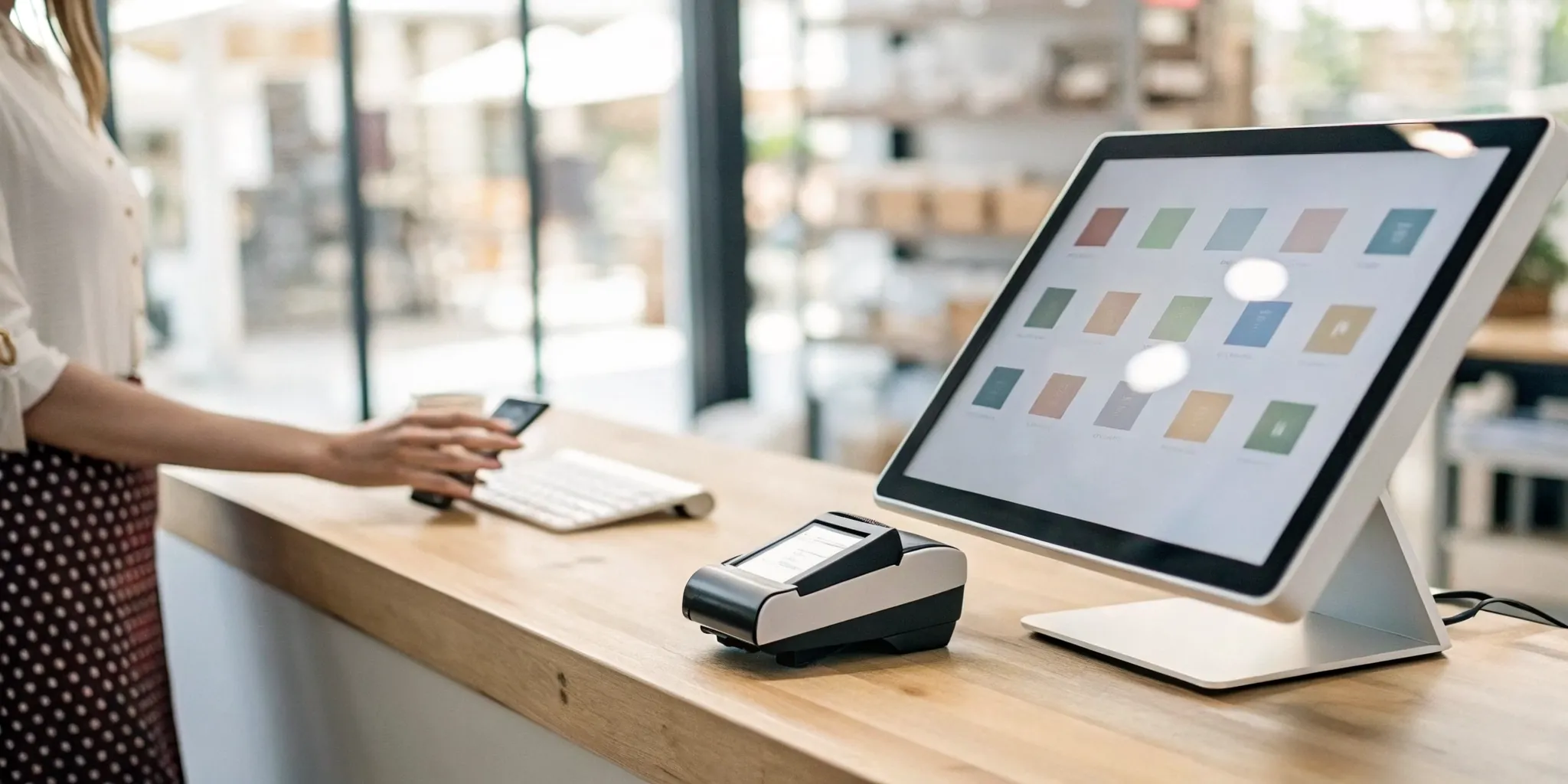
At its core, a point of sale system is where your customer makes a payment for goods or services. It’s the digital version of a cash drawer, processing transactions, accepting credit cards, and printing receipts. But that’s where the comparison ends. Unlike a simple register, a POS system records and tracks a wealth of data with every sale. It knows what was sold, when it was sold, and who bought it. This information becomes the foundation for all the other powerful features that help you manage and grow your business, turning a simple transaction into a valuable piece of business intelligence.
How a POS Can Transform Your Operations
A modern POS system brings all your most critical business functions together in one place. Instead of juggling separate tools for different tasks, you can manage everything from a single interface. Your POS can automatically update your inventory levels after each sale, preventing stockouts and over-ordering. It can also build customer profiles, allowing you to track purchase history and create targeted marketing campaigns. With detailed sales reports, you can instantly see your best-selling products, busiest hours, and top-performing employees. This integrated approach saves you time, reduces human error, and gives you the clear insights you need to make informed decisions.
Common POS Myths, Busted
Two common myths stop business owners from exploring modern POS systems. The first is that they are only for large corporations. The reality is that today’s market is filled with affordable, scalable POS solutions designed specifically for small and mid-sized businesses. You don’t need a massive budget to access powerful tools. The second myth is that a POS is just a complicated cash register. As we’ve seen, a true POS system does far more than process sales. It’s an all-in-one tool that helps you manage daily tasks, understand your customers, and streamline how your entire business works, making it one of the most valuable small business technologies you can invest in.
What Features Should You Look for in POS Software?
Not all point-of-sale systems are created equal. While most can handle basic transactions, the right software does so much more, acting as the central hub for your entire operation. Think of it as a business partner that helps you work smarter, not harder. When you’re comparing options, it’s easy to get overwhelmed by long lists of features. To simplify your search, focus on these six core functions. Finding a system that excels in these areas will give you the foundation you need to manage your business effectively and grow with confidence.
Seamless Payment Processing
This is the most fundamental job of any POS system. Your software should make it incredibly simple to accept all the ways your customers want to pay, including credit and debit cards, mobile payments like Apple Pay, and gift cards. The software is the brain that works with hardware like card readers and barcode scanners to handle sales transactions quickly and securely. Look for a system that offers transparent processing rates and fast funding, so you get your money without delays or surprises. A smooth, reliable checkout process keeps your lines moving and your customers happy.
Smart Inventory Tracking
Manually counting inventory is a time-consuming task prone to human error. A modern POS system automates this process, saving you countless hours and preventing costly mistakes. The best systems offer comprehensive solutions that integrate inventory management directly into your sales process. Every time you sell an item, your stock levels update in real time. You can set up low-stock alerts to know exactly when to reorder, preventing stockouts of your best-selling products. This feature gives you a clear, accurate picture of what you have on hand, helping you manage cash flow and keep your shelves stocked with what customers want.
Actionable Sales Reports
Your sales data is a goldmine of information, but only if you can easily access and understand it. A great POS system provides detailed sales reporting that turns raw numbers into clear, actionable insights. You can quickly identify your most popular products, track sales trends over time, and see your busiest hours of the day. This information helps you make smarter decisions about everything from staffing and marketing promotions to purchasing and product placement. Instead of guessing what works, you’ll have concrete data to guide your strategy and grow your bottom line.
Customer Management Tools
Turning a one-time buyer into a loyal fan is key to long-term success. Your POS can be a powerful tool for building customer relationships. Many systems include customer relationship management (CRM) features that allow you to create customer profiles, track purchase histories, and store contact information. This lets you personalize their experience and send targeted marketing offers. Even better, a great POS can help you run a loyalty program that rewards repeat business, giving customers a compelling reason to choose you over the competition again and again.
Simple Employee Management
Managing your team is another critical task that your POS system can help simplify. Look for features that let you create unique logins for each staff member, which helps with tracking sales performance and maintaining security. You can set different permission levels to control who can access sensitive functions like issuing refunds or viewing sales reports. Many systems also include time clock functionality, making it easy for employees to clock in and out for their shifts. These tools streamline daily operations and give you a clear view of your team’s productivity.
Key Integration Options
Your POS system shouldn’t operate in a silo. It needs to connect with the other tools you rely on to run your business. Before choosing a system, confirm that it integrates seamlessly with your existing software. This could include your accounting platform (like QuickBooks), your e-commerce store (like Shopify), or your email marketing service. Strong integration capabilities prevent you from having to enter data manually in multiple places, which saves time and reduces errors. A well-connected system ensures all parts of your business are working together smoothly, creating a more efficient and manageable operation.
Comparing Popular POS Software Options
With so many options on the market, finding the right POS can feel overwhelming. Each system has its own strengths, so the “best” one really depends on your specific industry, business size, and goals. To help you get a clearer picture, let’s break down some of the most popular players in the game and see what makes each one unique. This comparison will give you a solid starting point for figuring out which software aligns perfectly with what you need to run and grow your business.
MBNCard POS Solutions
At MBNCard, we focus on providing POS solutions that prioritize transparency, affordability, and personalized support for small and mid-sized businesses. We know you’re tired of confusing statements and surprise fees, which is why our systems are built to be straightforward and cost-effective. Whether you need a simple terminal for credit card processing or a more robust system with inventory and employee management, we tailor the solution to you. Our goal is to give you the powerful tools you need to operate efficiently without the hefty price tag, all backed by a team that’s here to help you succeed.
Square POS
You’ve likely seen Square’s iconic white card readers at farmers’ markets and local coffee shops. Square POS systems are known for their versatility and ease of use, making them a popular choice for a wide range of businesses, including retail stores, restaurants, and service providers. The platform is designed to be an all-in-one solution, helping you take payments, track sales data, and manage your inventory from a single, intuitive interface. Its straightforward setup makes it an accessible option for new business owners who need to get up and running quickly without a steep learning curve.
Shopify POS
If you already sell products online or plan to, Shopify POS is a fantastic choice for creating a unified commerce experience. Its biggest strength is how seamlessly it integrates your in-person and online sales. According to industry analysis, it’s one of the best retail POS systems for businesses that sell across multiple channels. When you make a sale in your brick-and-mortar store, your online inventory updates automatically, and vice versa. This prevents overselling and gives you a single, clear view of your entire business, from customer profiles to sales analytics, all in one place.
Toast
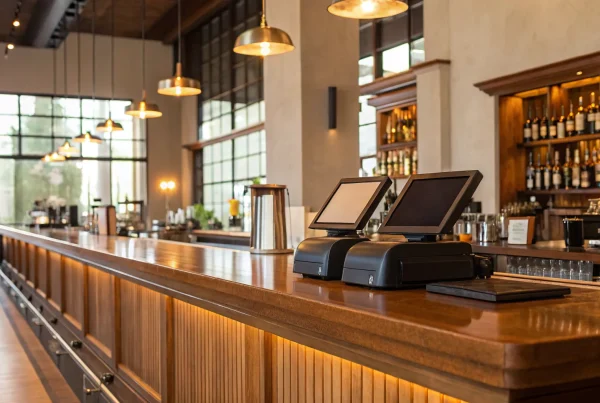
For anyone in the food and beverage industry, Toast is a name you’ll hear often. This POS system is built specifically for the unique demands of restaurants, cafes, and bars. It goes far beyond just processing payments. Toast helps you manage your menus, allows staff to take orders on tablets right at the table, and can even handle online ordering and food delivery integrations. These specialized features are designed to speed up service, reduce errors, and streamline both front-of-house and back-of-house operations, making it one of the best POS systems for small businesses in food service.
Lightspeed
If your business handles a large or complex inventory, Lightspeed is a powerful contender. It’s especially well-suited for retailers with many different products or multiple store locations. Lightspeed offers incredibly detailed tools for inventory management, allowing you to track stock levels, process work orders, and analyze sales trends with precision. This granular control is perfect for businesses that are scaling up and need a system that can grow with them. Its robust reporting and multi-location support help you maintain a firm grasp on your operations, no matter how big they get.
Clover
Think of Clover as a customizable foundation for your business operations. While many POS systems offer a one-size-fits-all approach, Clover stands out for its flexibility. You can start with a sleek, simple device for payments and then add functionality through a wide-ranging app market as your needs evolve. This makes it a highly adaptable choice for various industries, from retail shops to personal care services. You can build a system with the exact features you need, whether that’s advanced appointment scheduling, a customer loyalty program, or specialized reporting tools.
What Does POS Software Actually Cost?
Figuring out the true cost of a POS system can feel like trying to solve a puzzle with missing pieces. The price isn’t just a single number; it’s a combination of hardware, monthly software fees, and transaction rates. Understanding these components is the key to creating an accurate budget and finding a solution that supports your business without any surprise charges. Let’s break down the four main areas of POS system costs so you know exactly what to expect.
Hardware and Setup Expenses
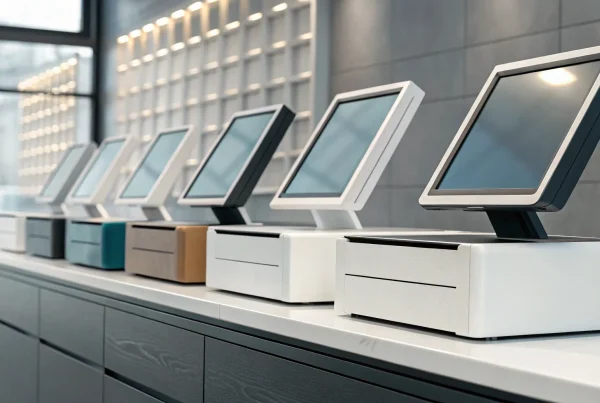
Think of this as your initial investment to get everything up and running. Your hardware costs will cover the physical equipment you need at your checkout counter, like a touchscreen terminal, credit card reader, cash drawer, and receipt printer. Depending on your business, you might also need barcode scanners or kitchen display systems. These implementation costs also include software installation and initial staff training. While some providers offer hardware bundles or leasing options to reduce the upfront expense, it’s a critical part of your budget. Investing in reliable hardware from the start helps prevent frustrating glitches and downtime later on.
Monthly Subscription Fees
Most modern POS systems operate on a cloud-based, software-as-a-service (SaaS) model. This means you pay a recurring monthly or annual fee for access to the software, including regular updates, security patches, and customer support. These subscription fees can range from $30 to over $100 per month for each terminal. The final price often depends on the features you need, the number of employees using the system, and whether you operate from one or multiple locations. This predictable model is often more manageable for small businesses than the large, upfront licensing fees required by older, on-premise systems.
Payment Processing Rates
Every time a customer pays with a credit or debit card, a small fee is deducted from the sale. This is your payment processing rate, and it’s how providers securely handle the transaction between your business, the customer’s bank, and your bank. These fees are typically a combination of a percentage of the transaction amount plus a small fixed fee (for example, 2.6% + 10¢). Since this cost applies to nearly every sale, even small differences in rates can have a big impact on your profitability. Look for a partner who offers transparent and competitive payment processing so you can keep more of your hard-earned money.
How to Spot Hidden Fees
The price you see advertised isn’t always the full story. Hidden costs can emerge from unexpected places, turning an affordable system into a financial drain. For instance, a system that’s difficult to use will require extensive staff training, costing you valuable time and productivity. A POS that doesn’t integrate with your other tools, like your accounting or inventory software, can create hours of manual work. Always ask potential providers about extra charges for things like 24/7 customer support, PCI compliance, or early termination. A trustworthy partner will be upfront about all potential costs.
How to Choose the Right POS System
With so many options on the market, picking the right POS system can feel overwhelming. But this decision is too important to leave to chance. Your point of sale is the command center of your business, handling everything from payments to inventory and customer data. Investing a little time upfront to find the perfect fit will save you countless headaches down the road.
The key is to approach the process methodically. Instead of getting distracted by flashy features you may never use, focus on what your business truly needs to operate smoothly and grow effectively. By breaking down the selection process into a few manageable steps, you can confidently choose a system that works for you, your team, and your customers. Think of it as building a foundation for your business operations. A strong, reliable POS system supports every transaction and provides the insights you need to make smarter decisions. Let’s walk through how to find the right one.
Define Your Business Needs
Before you even look at a single demo, grab a pen and paper and map out exactly what you need a POS system to do. The biggest challenge is ensuring the new system aligns with your specific needs, so start by listing your must-haves. Are you a restaurant that needs table management and the ability to split checks? A retail boutique that requires detailed inventory tracking for size and color variants? Or a service business that needs appointment booking? Create a checklist of non-negotiable functions. Then, make a separate list of “nice-to-have” features that would be great but aren’t deal-breakers. This simple exercise will give you a clear scorecard to measure every option against.
Compare Features and Scalability
Once you have your checklist, you can start comparing systems. Look beyond the basic payment processing. Modern POS systems are powerful tools that can manage multiple parts of your business, including inventory management, sales reporting, and customer loyalty programs. Does the software have the specific features you identified as essential? More importantly, can it grow with you? The system that works for your single location today should also be able to support you when you open a second or third. A scalable system prevents you from having to go through this entire process again in a few years, saving you time, money, and stress.
Test for Usability and Support
A system packed with features is useless if your team can’t figure out how to use it. Always ask for a free trial or a live demo to see the software in action. Is the interface intuitive? Can you easily find the functions you’ll use every day? Remember, underestimating the importance of thorough staff training is a common mistake. A user-friendly system makes training faster and reduces errors. Finally, investigate the quality of customer support. When your system goes down during a lunch rush, you need help immediately. Look for a provider that offers reliable customer support through phone, email, or chat when you need it most.
Set Up Your New POS System for Success
You’ve done the research and picked the perfect POS system for your business. That’s a huge step! But the work isn’t quite over. A successful launch is just as important as your initial choice. How you introduce the new system to your business can make all the difference between a seamless upgrade and a week of headaches. A little preparation ensures your new technology works for you from day one, helping you run your business more efficiently without missing a beat. Let’s walk through the three key steps to get your new POS system up and running smoothly.
Create a Smooth Transition Plan
Switching to a new system can feel like changing a tire on a moving car, but it doesn’t have to. The key is to create a transition plan that minimizes disruption. Start by picking a launch day during your slowest period. This gives you and your team breathing room to learn without the pressure of a huge rush. Before you go live, double-check that all your hardware is connected and working. It’s also a great idea to have your POS provider’s support number handy. A well-thought-out plan helps you avoid common implementation challenges and keeps your business running without a hitch. Your goal is to make the switch so smooth that your customers barely notice.
Train Your Team Effectively
Your new POS system is only as powerful as the people using it. That’s why effective team training is non-negotiable. Don’t just hand your staff a manual; schedule dedicated time for hands-on practice. Let them ring up mock sales, process returns, and pull reports until they feel confident. Consider appointing one or two tech-savvy employees as your go-to experts for day-to-day questions. When your team feels comfortable with the new tools, they can provide better, faster service to your customers. Investing in proper employee training isn’t just an expense; it’s an investment in operational efficiency and team morale. A confident team is a productive team.
Securely Migrate Your Data
Moving your business data from one system to another is a critical step. You need to transfer important information like customer profiles, inventory levels, and past sales history accurately and securely. Before you begin, confirm that your new POS system integrates with your other essential tools, like your accounting software or e-commerce platform. A seamless data migration process prevents you from losing valuable information or having to spend hours on manual data entry. Work with your POS provider to understand their process for transferring data. This ensures your critical business intelligence is protected and ready to use in your new system from the moment you switch it on.
Related Articles
- The Ultimate POS System List: 12 Top Picks
- 6 Best Free POS Systems for Small Business (2025)
- What is a Retail POS System? The Ultimate Guide
Frequently Asked Questions
I’m just starting out. Do I really need a full POS system right away? It’s a great question. While you can get by with a simple credit card reader at first, a true POS system sets you up for smarter growth from day one. Think of it this way: a card reader just takes the money, but a POS system tells you the story behind the money. It tracks what you sold and when, which helps you make better decisions about inventory and marketing, even when you’re small. Starting with a scalable system early on can save you a lot of growing pains later.
Can I use my existing tablet or computer, or do I have to buy special hardware? Many modern POS software options are designed for flexibility and can run on devices you already own, like an iPad or another tablet. This can definitely help keep your initial costs down. However, you’ll want to confirm compatibility with any provider you’re considering. You will likely still need some peripheral hardware, such as a secure card reader and a receipt printer, to complete your setup and create a professional checkout experience for your customers.
What’s the most important feature to look for if I can’t get everything? This really depends on your biggest operational headache. If you’re constantly running out of your best-selling items, then strong inventory management is your non-negotiable feature. If you feel like you’re guessing about your busiest days or most popular services, then you should prioritize detailed sales reporting. The best approach is to identify the single biggest challenge in your daily workflow and find a system that offers a great solution for that specific problem.
How difficult is it to switch from my current system to a new one? Switching systems can feel like a huge project, but it’s much more manageable with a clear plan. A good provider will help you migrate your important data, like customer lists and product information, so you don’t have to start from scratch. The key to a smooth transition is scheduling dedicated time to train your staff before the new system goes live. A little preparation makes the process feel less like a major overhaul and more like a simple, powerful upgrade.
My business is unique. How do I find a system that fits my specific industry? You’re right to focus on this, because a one-size-fits-all approach rarely works. Many POS systems are built with specific industries in mind. For example, a restaurant needs features for table management and splitting checks, while a retail store needs tools for managing size and color variations in its inventory. Start your search by looking for systems designed for your field, and don’t be afraid to ask providers how they can tailor a solution to fit your unique operational needs.