Years ago, if a fraudulent transaction occurred, the bank typically covered the cost. Today, that responsibility often falls on the business owner if they haven’t adopted modern security standards. This is called the “liability shift,” and it’s the single most important reason to upgrade your payment system. Processing a chip card without the proper equipment means you could be on the hook for the full amount of a fraudulent charge. The best way to protect your revenue is by implementing a fully compliant system, starting with the right EMV card reader software for Windows 10. This guide will show you how to secure your business and avoid these costly, preventable expenses.
Key Takeaways
- EMV software is essential for secure Windows 10 payments: This software is the necessary bridge between your card reader and computer, enabling you to process chip cards and shield your business from fraud liability.
- Choose a solution that fits your daily operations: The right software integrates with your current POS system, processes payments quickly, and offers the modern, contactless options your customers want.
- Strong security features protect your bottom line: Look for end-to-end encryption and tokenization as your main defense. This investment helps you avoid the expensive consequences of data breaches and chargebacks.
What Is EMV Card Reader Software?
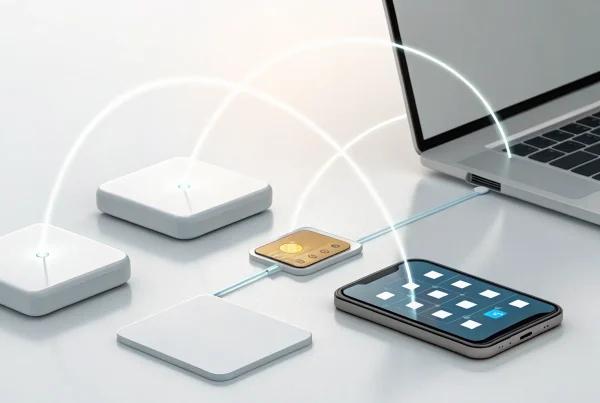
If you’ve ever wondered about the technology behind those little chips on credit and debit cards, you’ve come to the right place. EMV stands for Europay, Mastercard, and Visa, the companies that originally created this global standard for secure payments. Think of EMV card reader software as the essential bridge between your physical card reader and your Windows 10 computer. It’s the program that securely manages the conversation between the hardware that accepts the card and the payment network that approves the transaction.
Without the right software, your computer and card reader can’t communicate, and you won’t be able to process chip card payments. This software is designed to handle the complex encryption and data transfer needed to protect your customers’ information and your business from fraud. It ensures every transaction meets the strict security protocols set by the card industry. Following EMV compliance isn’t just a good practice; it’s a fundamental part of modern payment processing that protects you from liability for fraudulent charges. Essentially, the software is the brain behind the brawn of your card reader, making secure in-person payments possible on your PC. It translates the chip’s secure data into a language your payment processor can understand, all while keeping sensitive information locked down. This is what allows you to confidently accept chip cards, knowing that both your business and your customers are protected from the financial fallout of a data breach.
How Software Secures Chip Card Payments
Chip cards are a huge leap forward in security compared to the old magnetic stripe cards. The magic happens through a process called dynamic data authentication. Each time a customer inserts their chip card, the embedded microchip and the EMV software work together to create a unique, one-time-use code for that specific transaction. This code is what gets sent for approval, not the customer’s actual card number.
This is a game-changer for security. Even if a fraudster managed to intercept the transaction data, it would be completely useless for making other purchases because the code expires after a single use. This technology is the new standard for how EMV works to keep sensitive financial information safe. It’s why chip card payments have drastically reduced in-person card fraud.
Why Windows 10 Needs Specific EMV Solutions
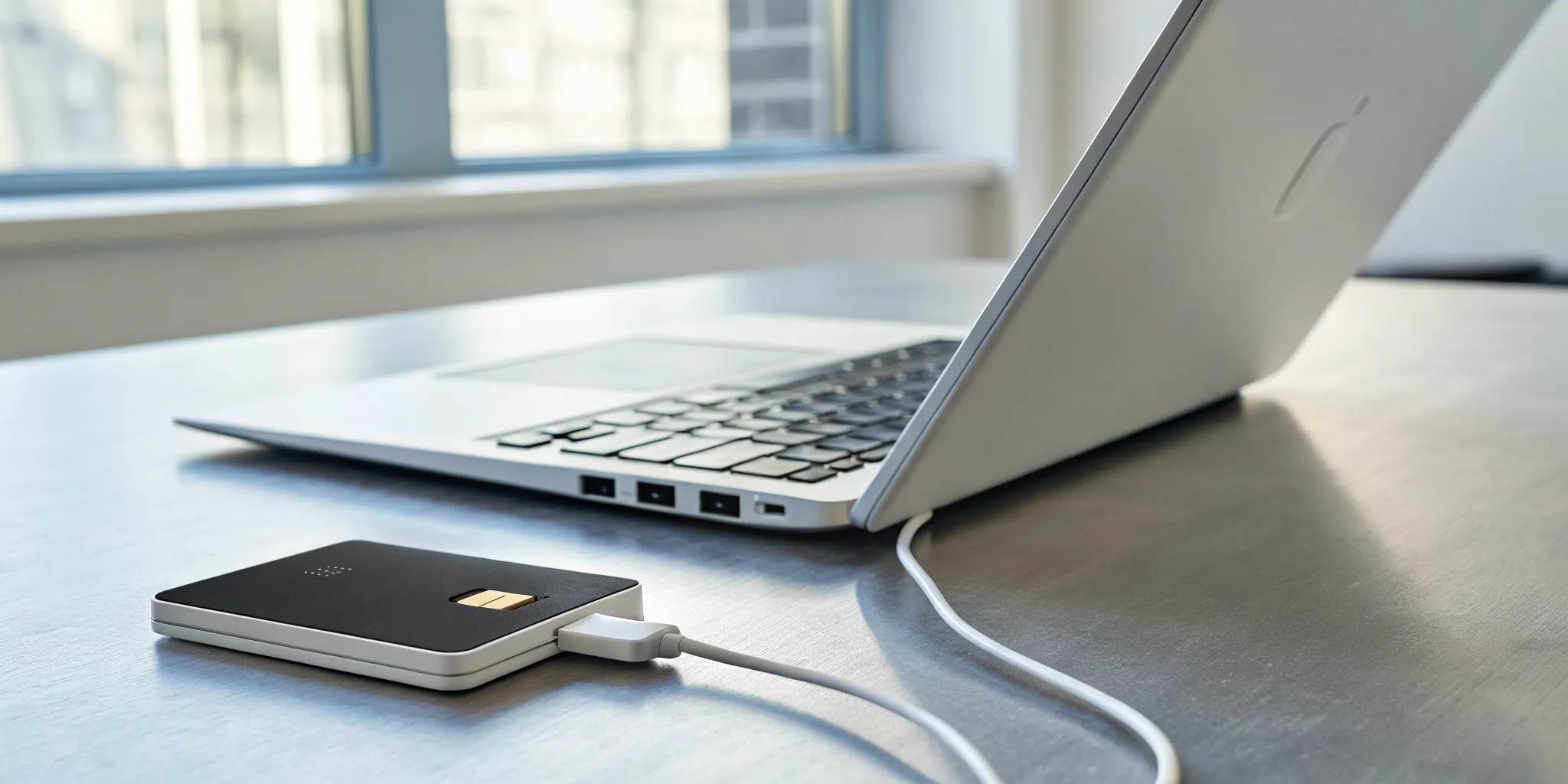
You can’t simply plug a generic card reader into your Windows 10 machine and expect it to start accepting chip cards. Windows needs specific software and drivers to correctly interpret the encrypted data coming from an EMV reader. Your operating system alone doesn’t have the built-in capability to manage secure payment protocols, so specialized software is required to fill that gap. This software ensures that your hardware is properly configured and that it communicates securely with your payment processor.
If you’re using an older magnetic stripe reader, you’ll need to get a new, EMV-certified card reader and the software that supports it. For business owners running a point-of-sale (POS) system on a Windows PC, the right EMV software acts as the crucial link between your sales system, the card reader, and your payment gateway, ensuring every transaction is both seamless and secure.
The Best EMV Card Reader Software for Windows 10
Finding the right EMV software for your Windows 10 system can feel like searching for a needle in a haystack. You need a solution that not only processes payments securely but also integrates smoothly with your existing setup without causing headaches. The best software combines top-tier security, a simple interface, and reliable performance. It should make your checkout process faster, not slower, and give you peace of mind knowing every transaction is protected.
When evaluating your options, think about your specific business needs. Do you need a mobile reader for events, or a stationary terminal for your countertop? Do you already use an online payment gateway that you’d like to sync with your in-person sales? The providers on this list have been chosen for their strong reputation, compatibility with Windows 10, and features that support small and mid-sized businesses. From comprehensive, service-oriented providers to simple plug-and-play readers, there’s a solution here that will fit your workflow and help you accept chip card payments with confidence.
MBNCard, Inc. Payment Solutions
With over 30 years of experience, we at MBNCard, Inc. pride ourselves on offering personalized and transparent payment solutions. We focus on building relationships, not just processing transactions. Our systems are designed to work seamlessly with Windows 10, providing secure EMV processing that protects you and your customers. We offer a range of hardware and software options tailored to your business, whether you run a retail store, a restaurant, or a service-based company. Our customer-first approach means you get dedicated support to ensure your setup is always running smoothly. We help you cut through the clutter of confusing fees and find a processing plan that genuinely saves you money.
Square for Windows
Square is a popular choice for a reason. Its hardware, like the Square Reader, is known for being incredibly versatile and user-friendly. It allows you to accept all major payment types, including EMV chip cards, traditional swipes, and contactless payments like Apple Pay. The compact design is perfect for businesses on the go, from market stalls to mobile service providers. The software integrates directly with the broader Square ecosystem, which includes tools for invoicing, inventory, and analytics, making it a powerful all-in-one solution for managing your business operations from your Windows 10 device.
Stripe Terminal
If your business has a strong online presence using Stripe for ecommerce, Stripe Terminal is a natural fit for unifying your in-person sales. It extends Stripe’s powerful online payment infrastructure to your physical storefront. This allows you to manage all your online and offline transactions in one place, simplifying your accounting and customer management. Stripe Terminal offers modern, pre-certified card readers that are easy to set up with your Windows 10 computer. It’s an excellent choice for businesses that want a single, integrated system to handle every aspect of their payment processing, from a web store to a brick-and-mortar checkout counter.
PayPal Zettle
For businesses already comfortable within the PayPal ecosystem, PayPal Zettle is a fantastic option. Its mobile card reader is designed for simplicity and flexibility, accepting both EMV chip cards and contactless payments. The main advantage is its seamless integration with your PayPal Business account, which means your funds are typically available quickly. The Zettle software is straightforward to install on a Windows 10 machine and works well for small businesses, pop-up shops, and cafes that need a reliable and recognizable payment system. It combines the trust of the PayPal brand with the modern security of EMV technology.
SumUp
SumUp offers a simple and affordable entry point into accepting card payments. Its card readers are designed to be easy to use right out of the box, connecting to your Windows 10 device via Bluetooth. SumUp is known for its transparent, pay-as-you-go pricing model with no monthly fees, which is especially appealing for new or small businesses with fluctuating sales volumes. The software is lightweight and focuses on the core function of processing payments quickly and securely. It supports EMV chip, magnetic stripe, and contactless payments, giving your customers plenty of ways to pay without complicating your checkout process.
How to Choose the Right EMV Software
With so many EMV software options available, picking the right one can feel like a major project. But it doesn’t have to be. The best choice isn’t about finding the software with the longest list of features; it’s about finding the one that fits seamlessly into your daily operations. Think about your business, your team, and your customers. What do you need to make the checkout process smooth, secure, and simple for everyone involved?
As you compare different solutions, focus on a few key areas that have the biggest impact. You’ll want to look at security standards, transaction speed, and how easy the system is for your staff to learn. It’s also critical to make sure the software works with the point-of-sale (POS) system you already use and accepts the payment methods your customers prefer. Getting these things right from the start will save you countless headaches down the road and help you build a payment system you can rely on. Let’s walk through the most important factors to consider.
Prioritize Security and PCI Compliance
First and foremost, your payment software must be secure. EMV technology is designed to protect you and your customers from fraud by creating a unique, one-time code for every chip card transaction. This makes it incredibly difficult for criminals to steal and reuse card information. But the software itself also needs to meet strict security standards.
This is where PCI compliance comes in. The Payment Card Industry Data Security Standard (PCI DSS) is a set of rules for any business that accepts credit cards. Your software provider must be PCI compliant to ensure customer data is handled safely. Choosing a non-compliant solution puts your business at risk for data breaches, fines, and losing your ability to accept card payments altogether.
Check for Fast Transactions and Offline Mode
A long wait at the checkout can ruin an otherwise great customer experience. Your EMV software should process payments quickly, ideally in just two to four seconds. When you’re evaluating options, ask about their average transaction times. A few seconds might not sound like much, but it makes a huge difference when you have a line of customers waiting.
You should also look for a system with an offline mode. If your internet connection is ever unstable or goes down completely, an offline mode lets you continue accepting card payments. The terminal securely stores the transaction details and processes them as soon as you’re back online. This feature is a lifesaver for mobile businesses, pop-up shops, or any storefront with less-than-perfect Wi-Fi.
Find an Easy-to-Use Interface
The last thing you need is complicated software that slows your team down. The best EMV solutions are intuitive and straightforward, requiring minimal training. Your staff should be able to learn the system in minutes, not days. A clean, simple interface reduces the chance of errors and helps keep your checkout lines moving smoothly, especially during busy periods.
Before you commit to a provider, ask for a demo or see if they offer a free trial. Let your team try it out. Is it easy to start a transaction, add a tip, or issue a refund? Getting hands-on with the software is the best way to know if it’s a good fit for your business and your employees.
Ensure Integration With Your POS System
Your EMV card reader software doesn’t operate in a vacuum. It needs to communicate perfectly with your existing point-of-sale (POS) system, inventory management tools, and any other software you rely on. A seamless integration automates your sales data, prevents you from having to enter information in two different places, and reduces the risk of manual errors.
Before signing up, create a list of your current hardware and software. Confirm with any potential provider that their solution is fully compatible with your setup, especially since you’re running on Windows 10. A smooth integration is key to an efficient and stress-free payment process.
Confirm Support for Contactless Payments
Today’s customers expect convenient payment options, and that includes “tap to pay.” Make sure any EMV software you consider supports NFC (Near Field Communication) technology. This allows you to accept payments from contactless credit and debit cards as well as mobile wallets like Apple Pay and Google Pay.
Contactless payments aren’t just fast; they’re also just as secure as inserting a chip card. The transaction information is still encrypted with a one-time code. By offering tap-to-pay options, you provide a faster, more modern checkout experience that customers increasingly prefer. It’s no longer a bonus feature but a standard expectation for most shoppers.
Key Security Features to Look For
When you’re choosing EMV software, it’s easy to get focused on transaction speed and fees. But the most important job of your payment system is to keep your customers’ data—and your business—safe. The right software acts as a digital bodyguard, protecting every transaction from potential threats. Think of it less as a simple tool and more as a security partner. Strong security isn’t just about meeting industry rules; it’s about building trust with your customers and protecting your hard-earned reputation. Let’s walk through the essential security features you should have on your checklist.
End-to-End Encryption and Tokenization
These two features are your first line of defense. End-to-end encryption scrambles sensitive card information the instant a card is dipped or tapped, making it unreadable as it travels to the payment processor. Tokenization takes it a step further by replacing the actual card number with a unique, non-sensitive code, or “token.” Because a new code is created for every transaction, the data becomes useless to fraudsters even if they manage to intercept it. This powerful combination ensures that real card details are never stored on your system, drastically reducing your risk in case of a data breach.
Real-Time Fraud Detection
Great EMV software doesn’t just react to threats; it actively looks for them. Real-time fraud detection uses smart technology to analyze transactions as they happen, flagging anything that seems suspicious. This could be an unusual purchase amount, a transaction from a high-risk location, or a card that’s been reported stolen. This proactive monitoring helps stop fraudulent payments before they’re ever approved. In fact, businesses that adopted chip card technology saw counterfeit card fraud drop by 80%. This feature is like having a security guard constantly watching over your sales, giving you peace of mind.
Secure Authentication and Automatic Updates
Security also involves controlling who can access your payment system. Look for software that requires secure authentication, like a strong password or two-factor authentication, to log in. This prevents unauthorized employees or outsiders from accessing your transaction data. Equally important are regular software updates. Hackers are always finding new vulnerabilities, and software providers release updates to patch them. Your EMV software should make it easy to stay current, ideally with automatic updates that run in the background or prompt you to install them during off-hours so your business isn’t disrupted.
Common Setup Challenges on Windows 10
Getting your EMV reader software running on Windows 10 is usually a smooth process, but sometimes the operating system can throw a curveball. If you run into a snag, don’t worry. It’s likely one of a few common issues that are surprisingly easy to fix. Knowing what to look for can save you a lot of time and frustration, getting you back to accepting payments quickly. Let’s walk through the most frequent challenges and how to solve them.
USB Port Compatibility
If you’ve plugged in your new card reader and nothing happens, your first instinct might be to panic. But the solution is often as simple as trying a different USB port. Not all USB ports on a computer are the same; some provide more power or have better compatibility with certain devices. Before you start digging through complex settings, just unplug the reader and try another available port. You might find that one works perfectly while another doesn’t respond at all. It’s a quick troubleshooting step that can save you a major headache.
Power Management Conflicts
Windows has a default power-saving feature that can sometimes be a little too helpful. To conserve energy, it might automatically put your USB devices to sleep, causing your card reader to disconnect right when you need it. If your reader works intermittently or stops responding after a period of inactivity, this is likely the culprit. You can fix this by going into your computer’s Device Manager and turning off the power-saving setting for your USB ports. This tells Windows to keep your payment hardware active and ready for transactions.
Software Update Disruptions
We’ve all been there: you’re in the middle of a busy day, and a mandatory Windows update forces a restart. Afterward, you find you’ve been logged out of your essential applications. This can happen with your EMV software, too. While it’s more of an annoyance than a technical failure, having to sign in again can disrupt your workflow, especially during peak hours. The best way to handle this is to be prepared. After an update, make it a habit to check that you’re still logged into your payment software before your first customer arrives.
Smart Card Service Errors
Here’s a more technical but still manageable issue. Windows uses a background service called the “Smart Card” service to communicate with devices like EMV readers. If this service isn’t running properly or encounters an error, your card reader won’t work. You might see a specific error message mentioning the service. To check on it, you can open the Services application in Windows and find the Smart Card service in the list. From there, you can see if it’s running and restart it if needed. This simple system check can often resolve stubborn connection problems.
Understanding the Costs of EMV Software
When you’re looking at EMV software, it’s easy to focus on the monthly subscription or the price of a new card reader. But the true cost involves more than just the upfront price tag. Think of it as an investment in your business’s security and financial health. Understanding the full picture, from transaction fees to the long-term savings from fraud prevention, will help you make a smart decision that protects your bottom line for years to come.
Compare Pricing Models and Transaction Fees
This is where you’ll want to do some comparison shopping. Providers structure their fees differently, so look at the complete package, including monthly software fees, per-transaction costs, and any other charges. While you might be tempted to go with the lowest upfront cost, remember that robust EMV software is a powerful tool for fraud prevention. In fact, businesses that adopted chip card technology saw an 80% drop in counterfeit card fraud. That kind of protection saves you a significant amount of money over time by preventing chargebacks and securing your revenue. It’s about finding a balance between affordable fees and strong security.
Factor in Hardware Requirements
Your new EMV software needs the right equipment to work properly. If you’re still swiping cards with an old magnetic-stripe reader, you’ll need to upgrade to a new EMV-certified card reader. These devices are specifically designed to read the microchips in modern credit and debit cards. The best first step is to talk with your payment processor. They can help you choose a terminal that’s not only compliant with current standards but also fully compatible with your software and POS system, ensuring everything works together smoothly from day one.
Watch Out for Hidden Costs
The most significant expenses aren’t always listed on the invoice. The real financial danger comes from a data breach, which can be devastating for a small business. It’s not just about fines or chargebacks; it’s about the long-term damage. Research shows that 90% of the costs from a data breach are hidden, including things like customer notification expenses, credit monitoring for affected clients, and damage to your brand’s reputation. These costs can surface years after the incident. Investing in fully compliant EMV software isn’t just a requirement; it’s your best defense against these potentially business-ending hidden expenses.
Your EMV Reader Setup Guide for Windows 10
Getting your new EMV card reader up and running on your Windows 10 computer is a straightforward process. While it might seem technical, it really just comes down to three simple stages: picking the right device, installing its software, and running a quick test. Following these steps will help you start accepting chip card payments securely and give you peace of mind that your transactions are protected. Let’s walk through exactly what you need to do.
1. Choose Compatible Hardware
First things first, you need an EMV reader that plays well with your Windows 10 system. Before you buy, always check the device’s product specifications to confirm its compatibility. The good news is that most modern card readers are designed to work with recent versions of Windows, so a device that works with Windows 11 will likely work with Windows 10. A hands-on review of different setups shows that many popular readers are flexible. Choosing a compatible reader from the start saves you the headache of returns and ensures a smooth installation process.
2. Install the Software
Once you have your card reader, the next step is to install the software that makes it run. This software acts as the bridge between your EMV reader, your computer, and your payment processor. It’s what tells the hardware how to securely read a chip card and process the transaction. Your payment solutions provider will typically guide you to the correct software for your device. For those looking to explore different options, you can find various EMV software downloads online, with many offering free trials so you can test them out before committing.
3. Test Your Payment System
Don’t skip this final step. Testing your system ensures everything is working correctly before you process a real customer’s payment. A proper test involves running a small transaction to verify that the card reader is successfully communicating with your Windows PC and the payment software. Some tools can even show you masked card details on your screen, which helps confirm your reader is talking to Windows and that the entire setup is operational. Taking a few minutes to test your system can save you from potential transaction issues and customer frustration down the line.
Why EMV Compliance Matters for Your Business
Getting your business EMV compliant might seem like just another technical task on your to-do list, but it’s one of the most important steps you can take to protect your bottom line and build customer trust. EMV technology, the global standard for chip-based card transactions, isn’t just about accepting modern credit cards. It’s a fundamental part of a secure payment processing strategy. By adopting EMV-compliant hardware and software, you shield your business from unnecessary financial risks and show your customers that you take their data security seriously. It’s a win-win that strengthens your operations from the inside out.
Protect Your Business From Fraud Liability
The single biggest reason to become EMV compliant is to avoid liability for fraudulent transactions. Before chip cards became standard, banks and card issuers usually covered the cost of fraud. Now, that responsibility has shifted. This is known as the liability shift, and it directly impacts your business. If a customer pays with a chip card and you process it using an old magnetic stripe reader, you are held responsible for any resulting fraud. That means the full cost of the chargeback comes out of your pocket. Upgrading to an EMV reader is a straightforward way to protect your business from these preventable and often costly losses.
Meet Industry Security Standards
EMV, which stands for Europay, Mastercard, and Visa, is the gold standard for secure in-person payments. Unlike magnetic stripes that store static data, an EMV chip card creates a unique, one-time transaction code every time it’s used. This process makes it incredibly difficult for fraudsters to clone a card or steal payment information. By using EMV-compliant technology, you align your business with global security protocols designed to fight fraud. This not only protects your customers’ sensitive data but also builds their confidence in your business. Adopting these standards shows you are a trustworthy merchant who prioritizes security, which is essential for building long-term customer relationships.
Related Articles
- EMV Reader for PC: What to Know Before You Buy
- EMV Chip Card Reader 101: The Ultimate Guide
- Top 5 Mobile EMV Card Readers for Your iPhone
Frequently Asked Questions
What actually happens if I don’t use an EMV reader? The biggest risk is financial. If a customer uses a chip card but you process the payment with an old magnetic stripe swiper, you become responsible for any fraud that occurs. This is called the “liability shift.” It means if the transaction turns out to be fraudulent, the full cost of the chargeback will come directly out of your business account. Using an EMV-compliant reader protects you from that liability.
Do I have to buy a new card reader to use this software? Yes, most likely. If you’re currently using a reader that only swipes magnetic stripes, you will need to upgrade to a new device that is EMV-certified. The microchips on modern cards require specific hardware to read their encrypted data securely. The software needs a compatible EMV reader to function, as older swipers simply don’t have the necessary technology.
My new EMV reader isn’t working with my Windows 10 PC. What’s the first thing I should check? Before diving into complex settings, try the simplest fix first: plug the reader into a different USB port. Sometimes, certain ports on a computer don’t provide enough power or have compatibility quirks. Simply switching to another port can often solve the connection issue instantly. If that doesn’t work, check your computer’s power management settings to ensure Windows isn’t putting the USB port to sleep.
Can I use any EMV software with any card reader? No, you can’t mix and match freely. EMV software and hardware must be compatible to communicate securely and correctly. Your payment processor, like us at MBNCard, Inc., will provide you with a list of certified card readers that are guaranteed to work with their software. It’s always best to get your hardware and software from the same provider or follow their explicit recommendations to ensure a smooth and secure setup.
Besides security, what’s the most important factor when choosing software? After you’ve confirmed the software is secure and PCI compliant, your next priority should be how well it integrates with your existing point-of-sale (POS) system. A seamless integration saves you time, prevents manual entry errors, and keeps your sales and inventory data perfectly in sync. You want a system that fits into your daily workflow, not one that forces you to change it.