That low monthly fee advertised for a POS system is rarely the full story. The sticker price often hides a web of other expenses, from hardware costs and software add-ons to confusing payment processing rates and surprise setup fees. These hidden costs can quickly turn an affordable solution into a major budget headache. We believe in transparency. This guide will pull back the curtain on the true cost of ownership, showing you exactly what to look for and what questions to ask. We’ll give you the tools you need to get a quote for a retail pos system with total clarity, so you can avoid unwelcome surprises and find a partner who is upfront about every charge.
Key Takeaways
- Understand the total cost of ownership: A system’s true price is a mix of hardware, software, and payment processing fees. Add up all potential costs for at least one year to get a realistic budget and avoid surprises down the road.
- Prioritize features that solve your biggest problems: Make a list of your non-negotiable needs, like inventory tracking or customer management, before you look at quotes. This helps you focus on systems that support your daily operations and prevents you from paying for extras you won’t use.
- Look for a partner, not just a processor: The best deal includes transparent contract terms, reliable customer support, and thorough training. A low price isn’t worth much if you’re locked into a bad contract or can’t get help when you need it.
What Is a Retail POS System (and Why You Need One)
If you’re running a retail business, you’ve probably heard the term “POS system” thrown around. But it’s so much more than a modern cash register. A point-of-sale (POS) system is the central hub where everything in your store comes together: sales, inventory, payments, and customer data. It’s the command center that keeps your operations running smoothly, whether you have a single boutique or multiple locations.
Choosing the right system is a big decision because it touches nearly every part of your business. It’s not just about processing transactions; it’s about gathering the insights you need to grow. A great POS system simplifies your daily tasks, helps you understand your customers better, and gives you a clear picture of your business’s health.
What a POS System Actually Does
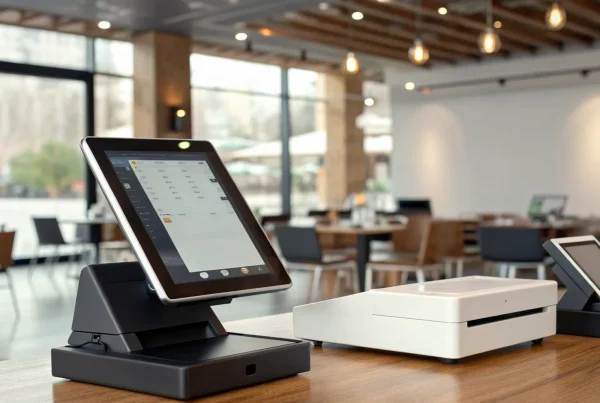
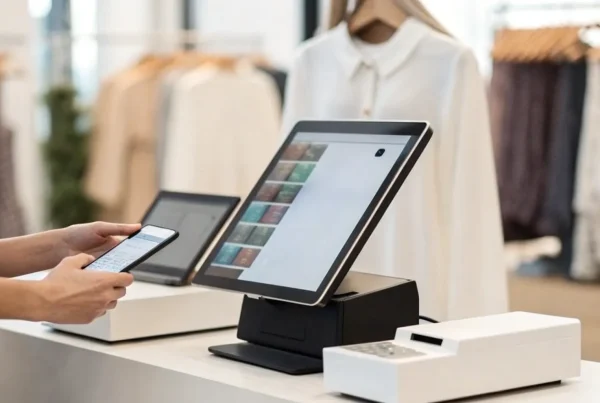
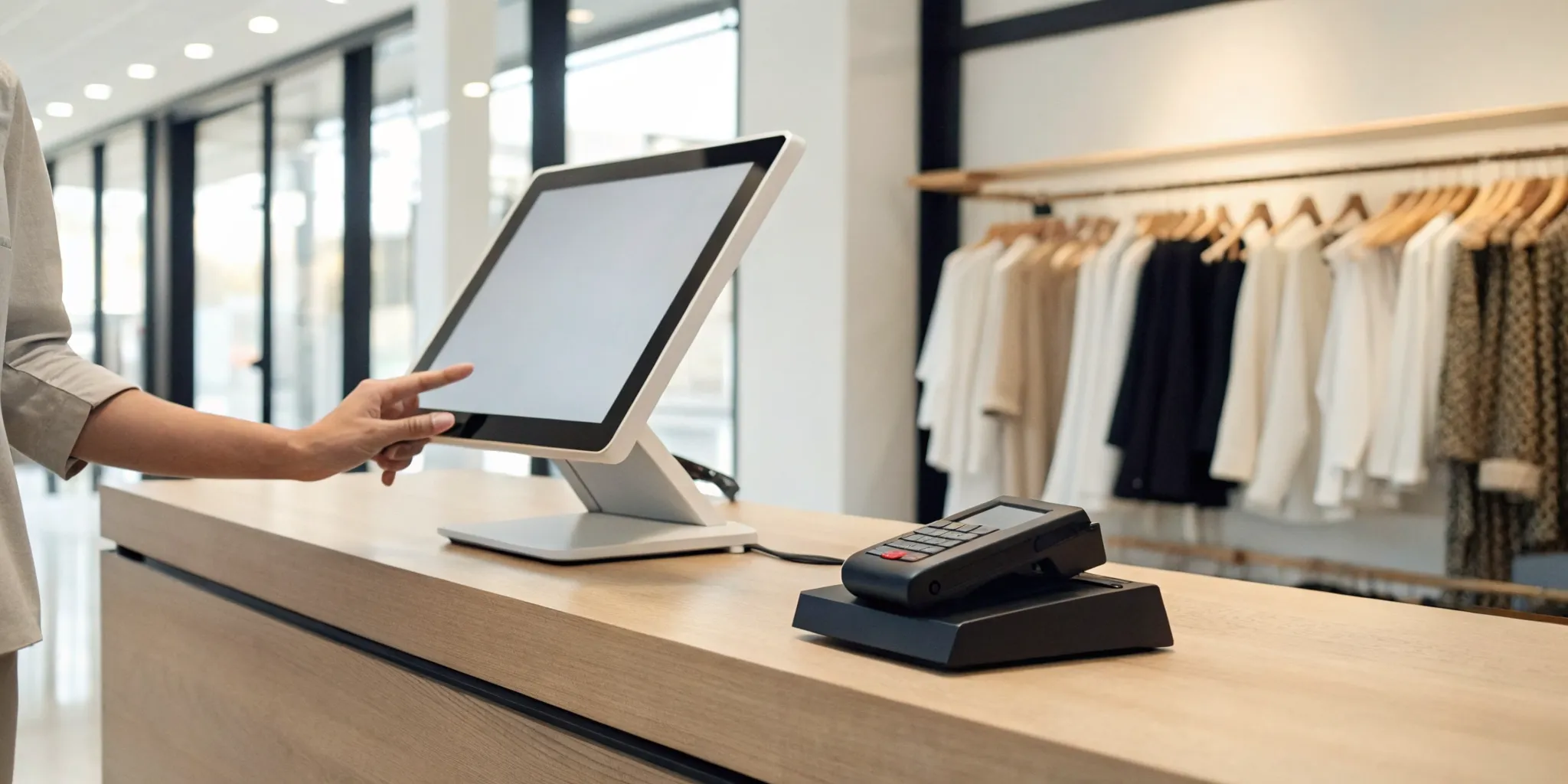
At its core, a retail POS system combines hardware (like a barcode scanner, card reader, and receipt printer) and software to process customer transactions. But its capabilities go far beyond just ringing up sales. A modern POS system is designed to manage your entire business from one place. It tracks your inventory in real time, so you know exactly what’s in stock and when it’s time to reorder.
It also helps you build stronger customer relationships by storing purchase history and contact information, which you can use for loyalty programs or marketing. Plus, it keeps your data secure and provides powerful reporting tools. These analytics-driven decisions help you spot sales trends, identify your best-selling products, and understand your busiest hours.
How a POS System Helps Your Business
The right POS system can completely transform your daily operations and improve your bottom line. By automating tasks like inventory tracking and sales reporting, it frees up your time and reduces the chance of human error. This efficiency means you and your staff can focus more on what truly matters: creating an amazing customer experience. Faster checkouts, accurate pricing, and easy returns keep shoppers happy and coming back.
Beyond the day-to-day, a POS system provides the data you need to make smarter business decisions. You can see which products are flying off the shelves and which ones aren’t moving, allowing you to optimize your purchasing and pricing strategies. It can even help you manage staff by tracking their sales performance. Ultimately, a good POS system doesn’t just process payments; it gives you the tools to run your business more effectively and profitably.
Key Factors to Consider Before You Ask for a Quote
Before you start reaching out to vendors, it’s smart to do a little prep work. Getting an accurate quote for a POS system isn’t just about finding the lowest price; it’s about finding the right fit for your business. When you have a clear picture of what you need, you can ask better questions and compare your options more effectively. Taking the time to think through your operations, goals, and budget will help you communicate your requirements clearly and ensure you get a quote for a system that truly supports your business. Let’s walk through the key areas to consider so you can approach vendors with confidence.
Your Business Size and Sales Volume
The needs of a single-location boutique are very different from those of a growing business with multiple storefronts. POS providers understand this, and their pricing often changes based on your business size, number of employees, and how many locations you have. Before you request a quote, have these details handy. You should also know your average monthly sales volume and the number of transactions you process. This information is crucial because it directly influences your payment processing rates, which are a major part of the overall cost. A clear understanding of your sales data will help you get a much more accurate and relevant quote.
Your Industry’s Unique Needs
Not all retail is the same, and your POS system should reflect the specific demands of your industry. A system built for a quick-service café won’t have the right tools for a clothing store that needs to manage inventory by size and color. Think about your daily workflow. Do you need to manage appointments, track ingredients, handle complex returns, or create custom orders? Many providers offer systems made for different types of businesses, from salons and spas to grocery stores and restaurants. Listing the specific functions your industry requires will help you filter out generic systems and focus on solutions designed to make your job easier.
Must-Have vs. Nice-to-Have Features
It’s easy to get excited by a long list of flashy features, but not all of them are essential for your business. To stay focused and on budget, create two lists: must-haves and nice-to-haves. Your must-have list should include the non-negotiable functions you need to run your business every day. This typically includes reliable payment processing, basic inventory management, and simple sales reporting. Your nice-to-have list can include things like advanced customer loyalty programs or detailed analytics. This simple exercise helps you prioritize what’s truly important and prevents you from overpaying for key features you might not even use.
Your Budget and Future Growth
Choosing a POS system is a long-term investment, so it’s important to think beyond today’s needs. While your current budget is a major factor, you should also consider your plans for the future. Are you hoping to open a second location, launch an online store, or expand your team in the next few years? The cheapest system today could become a costly problem if it can’t grow with you. Neglecting scalability is a common mistake that can lead to a difficult and expensive switch down the road. Look for a flexible system that allows you to add features, locations, and users as your business evolves.
Breaking Down the Costs of a Retail POS System
When you start shopping for a retail POS system, it’s easy to focus on the monthly software fee or the price of a shiny new terminal. But the total cost of ownership is a combination of several key components. A POS system’s price tag is typically a mix of hardware, software, and payment processing fees. Understanding each piece of the puzzle helps you budget accurately and avoid any surprises down the road.
Think of it like buying a car. The sticker price is just the beginning. You also have to consider insurance, gas, and maintenance. Similarly, your POS system has upfront costs, recurring fees, and transaction-based rates that all contribute to the final price. By breaking down these expenses, you can find a solution that not only fits your current budget but also supports your business as it grows. Let’s look at the main costs you can expect to see when you get a quote.
Hardware Costs
Your POS hardware is the physical equipment you use to ring up sales. This includes everything from the main terminal and touchscreen display to cash drawers, receipt printers, and barcode scanners. The cost can vary widely depending on what you need. A small boutique might only need a single tablet and card reader, while a larger store with multiple checkout lanes will require a more extensive setup.
Many modern systems, like Clover, let you build a custom hardware package. You can choose from different devices like the Clover Station Duo for a full-service counter or the handheld Clover Flex for taking payments on the sales floor. You can often buy this equipment outright or lease it, but purchasing it usually makes more financial sense in the long run.
Software and Licensing Fees
If the hardware is the body, the software is the brain of your POS system. This is what runs your inventory management, tracks sales data, and manages customer information. Most POS providers charge a recurring software fee, which is typically billed monthly or annually per device. This fee gives you a license to use the software and usually includes access to regular updates, security patches, and customer support.
The price often depends on the features you need. A basic plan might cover sales and payments, while more advanced tiers could add employee management, in-depth analytics, and marketing tools. Be sure to ask what’s included at each price point so you’re only paying for the features your business will actually use.
Payment Processing Rates
This is one of the most important and variable costs associated with your POS system. Every time a customer pays with a credit or debit card, a small percentage of that sale goes toward processing fees. These rates are determined by your payment processor and can be structured in a few different ways, like interchange-plus or flat-rate pricing.
Your effective rate will depend on factors like your sales volume, average transaction size, and the types of cards your customers use. It’s also essential to choose a system that accepts all major payment types, including contactless payments and digital wallets like Apple Pay and Google Pay. This ensures you never miss a sale because you can’t accept a customer’s preferred payment method.
Installation and Setup
Getting your new POS system up and running can sometimes come with a one-time installation or setup fee. Some providers offer a simple plug-and-play setup that you can handle yourself, which is a great way to save money. Others offer professional on-site installation to make sure everything is connected and working perfectly from day one.
This fee might also cover initial training for you and your staff, data migration from your old system, and menu or inventory programming. Some companies bundle this into a complete package that includes a dedicated account manager and a warranty on the hardware. Always ask if setup costs are included or if they are an additional line item on your quote.
Hidden Fees to Look For
No one likes surprise charges, so it’s important to ask about any potential fees that aren’t listed upfront. Some processors include extra charges that can add up over time. Be sure to read the fine print in your agreement and ask your sales representative directly about any additional costs.
Common fees to watch for include monthly statement fees, PCI compliance fees (for data security), and chargeback fees. You should also be aware of early termination fees, which can be costly if you decide to switch providers before your contract is up. A transparent partner will be happy to walk you through every potential charge so you know exactly what you’re paying for.
Common Myths About POS System Costs
When you start shopping for a POS system, the pricing can feel intentionally confusing. It’s easy to get drawn in by a low monthly fee, only to find out later that the true cost is much higher. Let’s clear the air and tackle some of the most common myths about POS system costs so you can get a quote with confidence and avoid any unwelcome surprises down the road. Understanding these misconceptions is the first step toward finding a system that truly fits your budget and your business needs without locking you into a bad deal.
Myth #1: The Monthly Fee Is the Only Cost
If only it were that simple. That attractive monthly software fee is just one piece of the puzzle. A POS system’s total cost is actually a combination of three key elements: software, hardware, and payment processing. You have the recurring software subscription, the one-time (or leased) cost of hardware like terminals and receipt printers, and the transaction fees from your payment processor. Forgetting to account for all three can lead to a major miscalculation in your budget. Always ask for a complete breakdown that includes every potential charge, not just the advertised monthly rate.
Myth #2: All Features Are Included
Many business owners assume the base price includes every feature shown in a demo, but that’s rarely the case. Often, essential functions like advanced inventory management, loyalty programs, or e-commerce integrations are sold as add-ons for an extra fee. Using a POS system that doesn’t integrate with other crucial systems, like your accounting software or CRM, can create costly inefficiencies. Before you commit, make a list of your must-have features and confirm they are included in the standard package. If not, find out exactly how much they’ll add to your monthly bill.
Myth #3: Leasing Is Cheaper Than Buying
Leasing hardware can seem like a great deal because it keeps your upfront costs low. It can be a smart choice for temporary setups like a pop-up shop or a seasonal business. However, if you’re in it for the long haul, leasing almost always costs more over time than buying the equipment outright. Think of it like renting versus owning a home. While the initial investment is higher, purchasing your hardware means you own it free and clear after the initial expense, saving you from endless monthly payments that add up significantly over the years.
Myth #4: Long-Term Contracts Don’t Matter
A long-term contract can feel like a small detail when you’re excited about a new system, but ignoring the fine print is a huge mistake. Many providers use annual contracts with steep cancellation fees to lock you in, even if the system isn’t a good fit for your business. Before signing anything, you need to understand the commitment you’re making. What are the terms for cancellation? Does the contract auto-renew? What happens if your business grows and you need to change systems? A flexible, transparent contract is just as important as the technology itself.
Which POS Features Matter Most?
When you start comparing POS systems, the long list of features can feel overwhelming. While some bells and whistles are nice to have, a few core functions are absolutely essential for running a modern retail business. Think of these as the non-negotiables. Focusing on these four areas will help you cut through the noise and find a system that truly supports your operations and helps you grow. Let’s look at what really moves the needle.
Seamless Payment Processing
At its heart, a POS system’s main job is to help you get paid. Your system must be able to securely and reliably accept all the ways your customers want to pay. This includes traditional credit and debit cards, EMV chip cards, and contactless payments like Apple Pay and Google Pay. Slow, clunky, or unreliable payment processing leads to frustrated customers and lost sales. The right system ensures every transaction is smooth, which is why it’s so important to choose a payment solutions provider that offers fast, secure processing and dependable hardware.
Smart Inventory Management
A great POS system does more than just ring up sales; it acts as the command center for your inventory. Look for features that track your stock levels in real time across all your locations, including your online store. The system should automatically update quantities as items are sold and provide low-stock alerts so you never run out of a bestseller. Strong inventory management tools also generate sales reports that show you what’s moving and what’s not, helping you make smarter purchasing decisions and avoid tying up cash in slow-moving products.
Customer Relationship Tools
Turning a first-time shopper into a loyal customer is key to long-term success. Your POS system can be a powerful tool for building those relationships. Features to look for include the ability to create customer profiles, track purchase history, and manage a loyalty program. This data allows you to understand your customers’ buying habits and personalize their experience with targeted promotions and rewards. A system with built-in customer relationship management (CRM) capabilities helps you foster loyalty and keep your best customers coming back.
Integrations and Scalability
Your business doesn’t operate in a silo, and neither should your POS system. It needs to connect smoothly with the other tools you rely on, like your accounting software, email marketing platform, and ecommerce store. Before choosing a system, make a list of your essential software and confirm the POS offers seamless integrations. You should also think about the future. Will this system support your business as it grows? Choose a scalable solution that can easily handle more products, employees, transactions, and even new e-commerce integrations as you expand.
How to Get an Accurate POS Quote
Getting a quote for a POS system shouldn’t feel like a mystery. When you know what to ask and what information to have on hand, you can get a clear, accurate price that truly fits your business. The key is to do a little homework before you start contacting providers. By defining your needs, preparing your questions, and gathering your business details, you put yourself in the driver’s seat. This preparation helps vendors give you a quote that’s tailored to your specific situation, saving you from surprise costs and ensuring you get the right tools to run your business smoothly. Let’s walk through exactly how to prepare for that conversation.
Define Your Business Needs
Before you can get a quote, you need a clear picture of what you’re looking for. Start with the fundamentals of your daily operations. How many locations do you have? How many checkout stations will you need? Consider the hardware you prefer, whether it’s a traditional desktop setup or a modern tablet-based system. You should also think about any special features your business requires, like a robust e-commerce integration for online sales or specific credit card processing capabilities. Answering these questions first helps you communicate your needs effectively.
Key Questions to Ask Vendors
Once you’re talking to a provider, it’s time to ask smart questions that go beyond the sticker price. If a quote seems high, don’t be afraid to ask if there’s room for negotiation. A polite counteroffer is a normal part of the process. More importantly, you need to uncover potential hidden costs. Ask directly: “What other fees might I expect that aren’t listed here?” Inquire about charges for software updates, customer support, and maintenance. Getting clarity on the full scope of the offer ensures you’re comparing apples to apples.
What Information to Have Ready
To make the quoting process efficient, have your information ready. The most important thing is a simple list of the features you absolutely need. This might include inventory tracking, customer profiles, or detailed sales reporting. Having this list ensures you get proposals that meet your requirements. It’s also wise to ask about the long-term health of the system. Many owners forget to ask about maintenance and software updates, which are critical for performance and protecting your business from security risks.
How to Compare POS Quotes Like a Pro
Once you have a few quotes in hand, it’s time to put on your detective hat. Comparing POS quotes isn’t just about finding the lowest number on the page; it’s about understanding the true value each system brings to your unique business. Think of this process less like shopping for a gadget and more like hiring a key team member. This system will be the central hub of your daily operations, handling every transaction, tracking your inventory, and managing customer relationships. It’s the digital brain of your storefront.
A cheap system that doesn’t meet your needs can cost you far more in the long run through lost sales, frustrated staff, and operational headaches. On the other hand, the right system can become your secret weapon, giving you the data and tools you need to grow smarter. It can help you identify your best-selling products, recognize your most loyal customers, and make informed decisions about your business strategy. That’s why a thorough comparison is so critical. It’s your chance to look beyond the marketing promises and see how each option will perform in the real world, day in and day out.
So, let’s walk through how to analyze these quotes side-by-side. We’ll break down the total costs, compare the features that actually matter, and read the fine print so you can make a confident, informed decision that sets your business up for success for years to come. It’s about finding a true partner, not just a processor.
Calculate the Total Cost of Ownership
The price tag on a POS system is just the beginning. To get the full picture, you need to calculate the total cost of ownership. A system’s total cost comes from three main parts: software, hardware, and payment processing. When you add up the one-time hardware costs, monthly software fees, and projected payment processing fees for at least one year, you get a much more realistic comparison. This helps you look past the initial setup fee or monthly subscription. Don’t forget to ask about potential costs for training, installation, and ongoing support, as these can impact your overall POS system budget.
Compare Features Side-by-Side
This is where your list of “must-have” features comes in handy. Create a simple spreadsheet to compare each quote against your requirements. When you evaluate retail POS options, prioritize features like payment processing, inventory management, customer loyalty tools, and reporting. Does one system offer robust inventory tracking while another excels at e-commerce integration? By comparing features directly, you can see which system provides the tools you actually need, ensuring you don’t pay for bells and whistles that will go unused. Make sure the system can grow with you, too.
Review the Contract Terms Carefully
Before you sign anything, take the time to read every line of the contract. Pay close attention to the contract length, auto-renewal clauses, and early termination fees. What are the policies on data ownership if you decide to switch providers? It’s also important to understand the terms for software updates and customer support. Learning the best practices for negotiating POS system contracts can help you avoid hidden costs and secure the best possible deal. Don’t be afraid to ask for clarification on anything that seems unclear.
Common Pitfalls to Avoid
Learning from common mistakes can save you a lot of headaches. A frequent pitfall for many businesses is using only the basic functions of their system and ignoring advanced features that could streamline operations. Ensure your provider offers thorough training. Another oversight is neglecting regular system maintenance and updates, which can lead to security vulnerabilities and performance issues. Finally, avoid getting locked into a long-term contract for a system that can’t scale with your business. Choose a partner who is invested in your future growth.
How to Negotiate the Best Deal on Your POS System
Once you have a few quotes in hand, the conversation doesn’t have to end there. Getting the initial price is just the starting point. Many vendors have some flexibility, but you won’t know unless you ask. With a little preparation, you can confidently negotiate a deal that fits your budget and sets your business up for success. Think of it less as a confrontation and more as a collaborative discussion to find a price that works for everyone.
Here are a few practical strategies you can use to secure the best possible terms for your new POS system.
Use Competitor Quotes as Leverage
Doing your homework and getting multiple quotes gives you powerful insight into the market rate for the services you need. If your preferred vendor’s quote comes in higher than others, don’t be afraid to use that information. You can politely and professionally let them know you’ve received a more competitive offer elsewhere.
A simple statement like, “I really like your system, but I have an offer from another provider for a similar setup at a lower price. Is there any room to adjust your quote?” can open the door to a better deal. This shows the vendor you’re a serious buyer who has done their research. Most sales reps would rather sharpen their pencil than lose your business to a competitor.
Ask About Bundling Services
Vendors that offer multiple services, like hardware, software, and payment processing, are often willing to create a package deal. Instead of looking at each component as a separate cost, ask if they can provide a discount for bundling them together. This simplifies your billing and can lead to significant savings over time.
Think of it like ordering a value meal instead of buying everything à la carte. Ask your sales representative, “What kind of discount can you offer if I get my hardware, software, and payment processing services all through you?” This approach often works because it represents a higher value customer for the provider, giving them more incentive to offer you a better overall price.
Request a Trial Period or Demo
You wouldn’t buy a car without a test drive, and the same logic applies to your POS system. This software will be the central hub of your daily operations, so you need to be sure it’s a good fit. Before you sign a long-term contract, ask for a free trial period or a live, hands-on demo.
This allows you to see exactly how the system works in a real-world setting. You can test its speed, ease of use, and key features to make sure it meets your needs. A trial period helps you evaluate the software and its functionality before you make a final financial commitment, ensuring you won’t have any regrets down the road. If a vendor is confident in their product, they should have no problem letting you try it out.
Clarify Support and Training Details
A great price on a POS system means very little if you can’t get help when you need it. Before you sign anything, get crystal-clear details on the customer support and training that are included. An amazing deal can quickly turn sour if you’re left on your own to troubleshoot a technical issue during your busiest hours.
Ask specific questions: What are your support hours? Is it available 24/7? Is support handled by phone, email, or chat? Is there an extra cost for premium support? Also, confirm whether they provide initial training for you and your staff. Understanding the level of customer service you’ll receive is a critical part of the negotiation, as strong support can save you time, money, and headaches.
Finalizing Your POS System Purchase
You’ve compared quotes, negotiated terms, and selected a winner. Now it’s time to cross the finish line. This final stage is all about making sure the transition to your new POS system is smooth and successful. Paying close attention to the contract details, planning the rollout, and prioritizing training will set you up for a great start and prevent headaches down the road.
Your Final Contract Checklist
Before you sign anything, take one last, careful look at the contract. This document outlines your entire relationship with the provider, so you want to be sure there are no surprises. Read through every line and confirm that the terms match what you discussed with the sales representative. Pay special attention to the fee structure, contract length, and any clauses related to early termination. It’s a good idea to learn the best practices for reviewing business agreements to ensure you get a fair deal. Make sure all hardware, software, and support services you agreed upon are listed. If anything is unclear or missing, ask for clarification in writing before you commit.
Plan Your Implementation Timeline
A new POS system can’t just be plugged in and forgotten. A successful launch requires a clear plan. Work with your provider to map out an implementation timeline that minimizes disruption to your daily operations. Schedule a date for the hardware installation and data migration. You’ll need to transfer important information like your inventory list, customer data, and sales history. Also, build in some buffer time to test the system thoroughly before it goes live. A smooth and successful implementation depends on thinking through these steps ahead of time, so you can handle any small issues before they affect your customers.
Set Up Your Training and Support
Your new POS system is only as powerful as your team’s ability to use it. A common mistake is underestimating the importance of thorough staff training. Schedule dedicated time for your provider to walk your entire team through the new system, from processing sales to managing inventory. Ensure everyone feels comfortable with the daily functions. Beyond the initial setup, understand what your long-term support options look like. Do they offer 24/7 phone support? Is there an online knowledge base you can reference? Knowing how to get help quickly when you need it is just as important as the system’s features.
Related Articles
- What is a Retail POS System? The Ultimate Guide
- 7 Best Retail POS Systems for Small Business
- 7 Best Point of Sale Systems for Retail Stores
- Restaurant Point of Sale POS System: A Buyer’s Guide
Frequently Asked Questions
I’m just starting out. Do I really need a full POS system, or can I just use a simple card reader? That’s a great question. While a simple card reader is fine for processing payments, a true POS system is the operational hub for your entire business. It handles inventory tracking, sales reporting, and customer information all in one place. Starting with a full system, even a basic one, sets you up with the data and organization you need to grow from day one, helping you make smarter decisions right away.
Can I use my own hardware, like an iPad, with a new POS system? It depends on the provider. Many modern POS systems are designed to run on tablets like iPads, which can be a great way to lower your initial hardware costs. However, some systems require their own proprietary hardware to ensure everything works together perfectly. When you’re getting quotes, make sure to ask if the software is compatible with your existing devices or if you need to purchase a specific hardware bundle.
What happens if my internet connection fails? Will I lose sales? This is a critical point to consider. Many modern POS systems have an offline mode that allows you to continue accepting card payments even when your internet is down. The system securely stores the transaction data and processes it as soon as you’re back online. It’s an essential feature for any retail business, so be sure to confirm that any system you’re considering offers a reliable offline processing capability.
How difficult is it to switch from my current system to a new one? Switching systems can feel like a huge task, but a good provider will make the process as smooth as possible. They should help you migrate key data like your product catalog and customer lists. The key is planning. Before you switch, work with your new provider to create a clear implementation timeline. This ensures your data is transferred correctly and your team is trained before the new system goes live, minimizing any disruption to your business.
You mentioned payment processing rates. How do I know if I’m getting a good deal? Payment processing can be complex, but a good deal comes down to transparency and overall value. Instead of focusing on just one low percentage, look at the “effective rate,” which is the total processing fees you pay divided by your total sales volume. A trustworthy provider will explain their fee structure clearly, whether it’s interchange-plus or flat-rate, and help you understand exactly what you’ll be paying without any hidden charges.