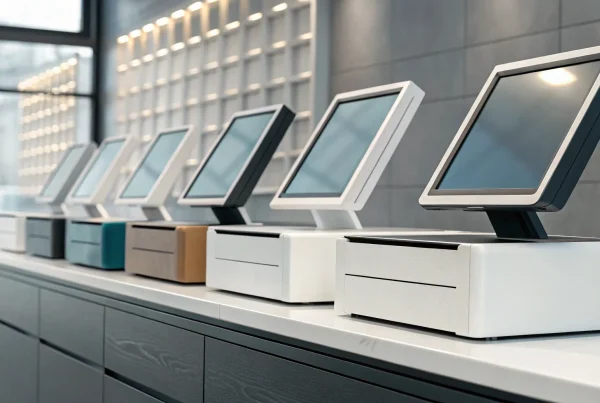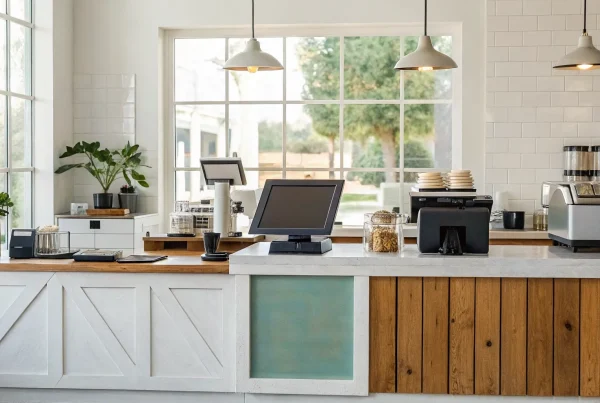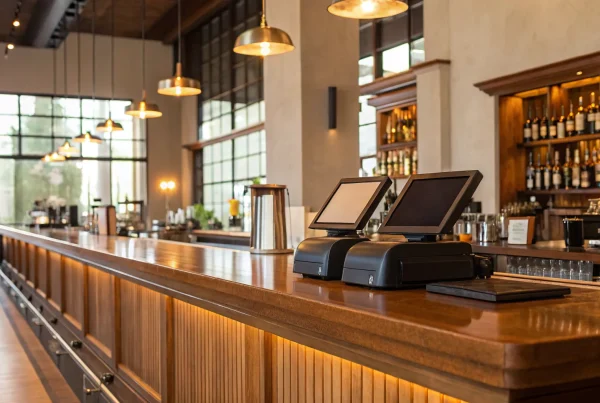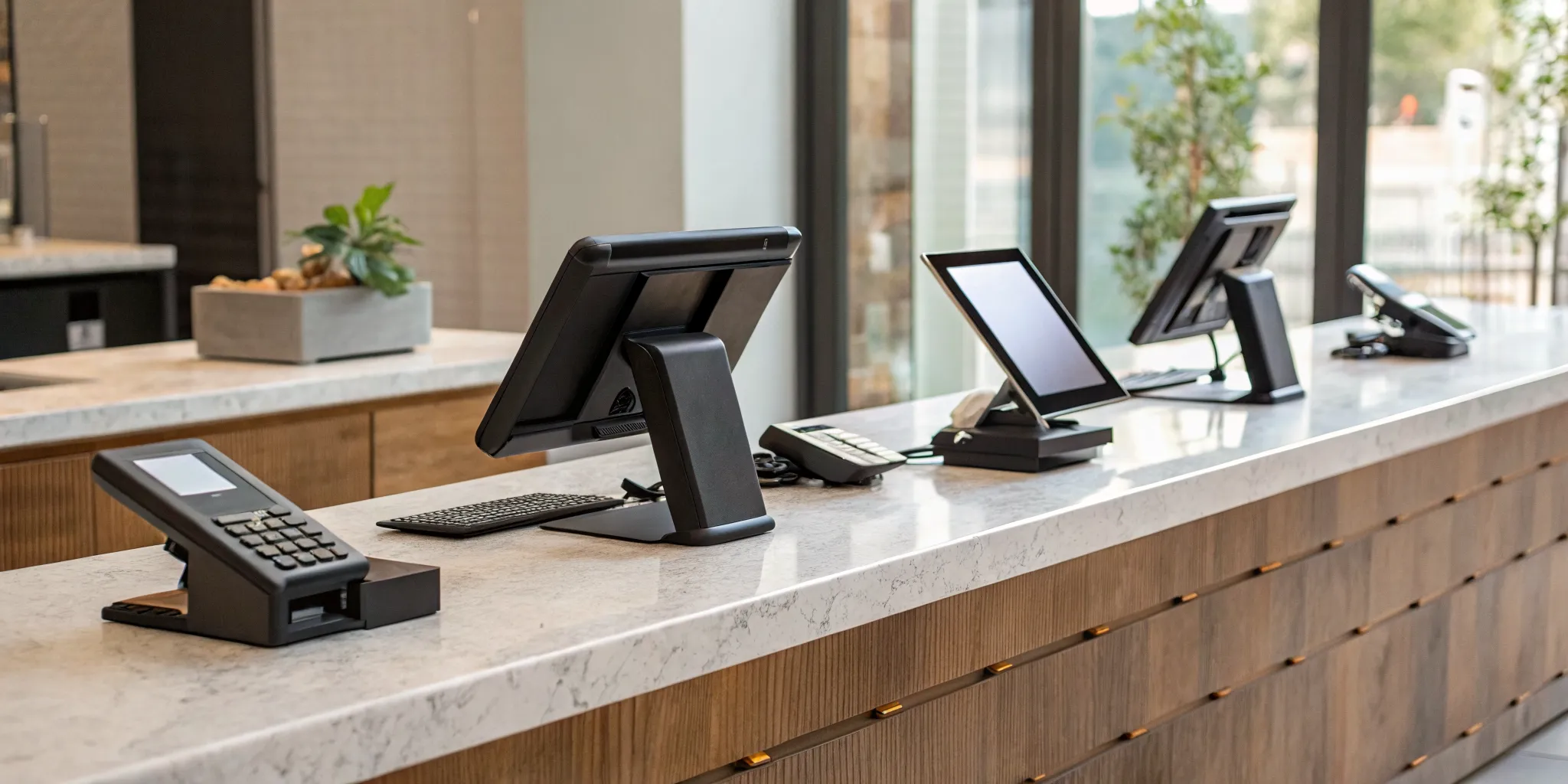
If you’ve ever wrestled with a clunky register, spent hours manually reconciling sales, or discovered your inventory count was completely wrong, you know how a bad POS system can disrupt your entire day. The search for a replacement can feel just as frustrating, filled with confusing pricing, hidden fees, and promises that don’t match reality. You deserve a system that works for you, not against you. This article is your straightforward guide to finding a solution that brings clarity and efficiency to your operations. We’ll help you understand what features actually matter so you can confidently choose the best pos retail system for your business.
Key Takeaways
- Focus on your unique needs: Choose a POS system that solves your current operational headaches and has the flexibility to grow with you, rather than just picking the most popular option on the market.
- Master the essentials before adding extras: Make sure any system you consider nails the core functions that truly matter: solid inventory control, seamless payment acceptance, customer management tools, and easy-to-read sales reports.
- Look beyond the monthly fee: Calculate the total cost of ownership by factoring in hardware expenses and, most importantly, payment processing rates, as a cheap system can cost you more in the long run through high transaction fees.
What Defines the “Best” POS System for Retail?
Finding the right point-of-sale (POS) system for your retail business isn’t about picking the one with the most buzz. The “best” system is the one that fits how you actually work, the products you sell, and your plans for growth. It should feel like a natural extension of your business, not a clunky piece of tech you have to fight with every day. To find that perfect fit, you need to get clear on two things: the essential features your business can’t live without and how the pricing structure will impact your bottom line.
What Core Features Should Every Retail POS Have?
Before you get distracted by flashy add-ons, make sure any system you consider nails the fundamentals. A great retail POS should make your daily operations smoother, not more complicated. At its core, this means powerful inventory management to track what you have in stock, across multiple locations or online. It also needs to handle transactions effortlessly, accept various payment types, and generate clear sales reports that help you understand what’s selling. Finally, look for features that help you build customer relationships, like storing contact information or creating simple loyalty programs. These are the foundational tools that will support your business day in and day out.
How to Understand POS Pricing Models
POS pricing can feel intentionally confusing, but it generally boils down to a few models. Some systems charge a flat monthly subscription fee, while others, like Square, have no monthly fee but take a percentage of each transaction. It’s tempting to go for a “free” plan, but you have to compare the payment processing rates carefully, as those small percentages add up quickly, especially for high-volume shops. Don’t forget to factor in the cost of hardware, like card readers and receipt printers. Always ask about the total cost of ownership to avoid surprises down the road.
A Look at the Top Retail POS Systems
Choosing a point of sale (POS) system can feel like a huge decision, and in many ways, it is. This system is the central hub of your business, the place where sales, inventory, and customer data all come together. It’s more than just a cash register; a modern POS can help you manage your entire operation. Getting it right means smoother operations, happier customers, and better business insights that help you make smarter decisions. Getting it wrong can lead to daily frustrations, inaccurate inventory, and lost opportunities. But it doesn’t have to be an overwhelming process. The key is to find a system that fits how you already run your business and has the flexibility to grow with you. There’s no single ‘best’ POS for everyone; the best one is the one that’s best for you.
To make it easier, I’ve broken down some of the most popular retail POS systems on the market. We’ll look at what makes each one unique, who it’s best for, and what you can expect from their features and pricing. Think of this as your starting guide to understanding the landscape. We’ll cover everything from simple, out-of-the-box solutions perfect for new shops to powerful platforms designed for complex inventory. This way, you can get a clear picture of your options and feel confident in your choice, ensuring you pick a partner that truly supports your business goals.
MBNCard POS Solutions
Instead of a one-size-fits-all box, we at MBNCard believe in finding the perfect fit for your specific business. We don’t offer a single branded POS system because we know a clothing boutique has different needs than a busy cafe. Our approach is to work with you to understand your sales process, inventory, and customer flow. Then, we pair you with the ideal hardware and software that integrates seamlessly with our transparent, affordable payment processing. This ensures you get a powerful, customized POS solution without paying for features you don’t need, all backed by our dedicated support.
Square for Retail
You’ve probably seen Square’s little white card readers everywhere, and for good reason. Square’s POS system is known for its simplicity and straightforward setup, making it a favorite for new businesses, pop-up shops, and markets. It combines user-friendly software with sleek hardware to manage payments, track your sales, and handle basic inventory right out of the box. While it’s incredibly easy to get started, its strength lies in its core functions. For many small retailers, it provides everything they need to start selling efficiently without a steep learning curve or complicated onboarding process.
Shopify POS
If your business was born online, Shopify POS is a natural next step for selling in person. It’s designed to unify your e-commerce site with your physical store, creating a smooth experience for both you and your customers. According to NerdWallet, Shopify POS is built for online stores and excels at helping you sell across multiple channels. Your inventory, customer data, and sales sync automatically between online and in-store. Keep in mind that for more advanced retail features like smart inventory management and staff permissions, you’ll likely need the POS Pro plan, which comes at an additional cost.
Lightspeed Retail
For retailers with a lot of products to manage, Lightspeed Retail is a true powerhouse. It’s built with deep inventory management at its core, making it ideal for businesses with complex stock, like shoe stores with various sizes and colors or bike shops with many parts. Business.com highlights its excellent inventory management tools and flexible pricing as key strengths. Lightspeed allows you to track products, manage purchase orders, and even sell online. It’s a more advanced system, perfect for established stores ready to streamline their operations and get serious about stock control.
Toast POS
While we’re talking retail, it’s impossible to ignore the food and beverage world, where Toast POS reigns supreme. This system is specifically designed for the fast-paced environment of restaurants, cafes, and bars. Its features are tailored to the industry, offering tools like online ordering directly through Google, tableside payment devices, and kitchen display systems. As noted by industry reviewers, Toast provides specialized devices for restaurants and robust, 24/7 customer support. If you’re in the food service business, Toast offers a comprehensive solution built just for your unique challenges and workflow.
Clover
Clover is like the Swiss Army knife of POS systems. It’s known for its sleek, modern hardware and an incredibly flexible platform that can be adapted to almost any type of business. The real magic of Clover lies in its extensive App Market, which allows you to add specific functionalities you need, from advanced appointment scheduling to specialized loyalty programs. This makes it a great all-in-one solution for businesses that don’t fit a standard retail mold. You can start with a simple setup for payments and inventory, then add apps as your business grows and your needs change.
What Features Should You Actually Care About?
When you start comparing POS systems, the sheer number of features can feel overwhelming. Every provider promises a long list of capabilities, from advanced analytics to niche marketing tools. But here’s the truth: you don’t need every single bell and whistle. The best POS system for your retail business is the one that nails the fundamentals and supports your specific goals, not the one with the longest feature list.
Instead of getting distracted by flashy add-ons you might never use, it’s better to focus on the core functions that directly impact your daily operations, profitability, and ability to grow. Think of it like building a house. You need a solid foundation before you start picking out paint colors. These core features are your foundation. They handle your money, track your products, and help you understand your customers. Getting these right will save you countless headaches and give you the solid operational base you need to run your business effectively. Let’s walk through the features that truly matter.
Inventory Management and Stock Control
For any retail business, your inventory is your biggest asset. A strong inventory management feature is non-negotiable. This goes far beyond simply counting what’s on the shelves. It’s about having a real-time, accurate view of every single item, or SKU, you sell. A good system helps you track products from the moment they arrive to the moment a customer buys them.
This allows you to avoid frustrating stockouts on popular items and identify which products are gathering dust. If you operate more than one store or sell online, this feature becomes even more critical, ensuring your stock levels are synced everywhere. It’s the key to making smarter purchasing decisions and keeping your cash flow healthy. With the right tools, you can manage your inventory instead of letting it manage you.
Payment Processing and Transactions
At its heart, a POS system’s job is to help you get paid. That means it needs to handle transactions smoothly, securely, and in whatever way your customers prefer to pay. Your system should easily accept all major credit cards, cash, and especially contactless payments like tap-to-pay and mobile wallets. An offline mode is another lifesaver, allowing you to keep making sales even if your internet connection drops.
One of the most important questions to ask is whether the POS system forces you to use its built-in payment processor. Some do, which can lock you into higher rates. A flexible system allows you to choose your own provider, giving you the freedom to find the best rates and service. This is where a dedicated payment solutions provider can help you save significantly on transaction fees while ensuring your payments are always secure.
Customer Management and Loyalty Programs
Your POS system can be one of your best tools for turning first-time shoppers into loyal fans. Look for features that allow you to create customer profiles. By collecting basic information like names and email addresses (with their permission, of course), you can start building real relationships. This data opens the door to personalized marketing, from sending a birthday discount to letting a customer know their favorite item is back in stock.
Many systems also offer built-in tools for creating simple customer loyalty programs. These programs are proven to encourage repeat business and make your customers feel valued. It’s a simple but powerful way to stand out from the competition and give people a compelling reason to shop with you again and again.
Sales Reporting and Business Analytics
Running a business on gut feelings alone is a risky game. A great POS system takes the guesswork out of your decisions by providing clear, actionable data. You should have easy access to reports that show you what’s selling, who’s buying, and when your busiest hours are. This information is gold. It helps you optimize your staffing, refine your product orders, and plan effective promotions.
Look for a system with an intuitive dashboard that presents this data in a way that’s easy to digest. You shouldn’t need a degree in data science to understand your own sales trends. With the right analytics at your fingertips, you can spot opportunities, fix problems quickly, and make informed choices that directly contribute to your business’s growth.
Multi-Location and Omnichannel Support
If you have ambitions to expand, you need a POS system that can grow with you. Managing more than one storefront without a centralized system is a recipe for chaos. A POS with strong multi-location support allows you to view and manage inventory, sales, and staff across all your stores from a single dashboard. You can transfer stock between locations, compare performance, and maintain consistency everywhere.
This also ties into creating an omnichannel experience, which just means making it seamless for customers to shop with you both in-store and online. Your POS should integrate with your e-commerce platform to sync inventory and customer data, allowing for modern conveniences like in-store pickup for online orders.
Integrations with Other Business Tools
Your POS system doesn’t operate in a vacuum. It needs to play well with the other software you rely on to run your business. Before you commit, check for integrations with your essential tools, like your accounting software (such as QuickBooks or Xero) or your email marketing platform. A seamless connection saves you from hours of manual data entry and reduces the risk of errors.
As we mentioned earlier, the ability to choose your own payment processor is a critical integration. Being locked into a proprietary system limits your flexibility and can cost you more in the long run. A POS with an open architecture or a robust app marketplace gives you the freedom to build a tech stack that is perfectly tailored to your business needs.
How Much Should You Expect to Pay for a POS System?
Figuring out the cost of a new POS system can feel like trying to solve a puzzle. Prices seem to be all over the map, and it’s not always clear what you’re paying for. The total cost of a POS system is more than just a single price tag; it’s a combination of software fees, hardware expenses, and payment processing rates. Understanding how these pieces fit together is the first step to finding a solution that works for your budget without any unpleasant surprises down the road.
Many business owners focus on the monthly software fee or the upfront hardware cost, but the real expense often lies in the transaction fees that chip away at your revenue with every sale. A system that looks cheap at first glance might end up being the most expensive option over time. That’s why it’s so important to look at the complete picture.
Let’s break down the three main areas where you can expect to spend money: the software itself, the physical hardware you’ll use at your counter, and the less-visible fees that come with processing payments and signing contracts. Getting a handle on these components will help you compare your options accurately and choose a system that supports your business without draining your bank account. We’ll look at each one so you know exactly what questions to ask before you commit.
Monthly Subscriptions vs. Transaction-Based Pricing
When it comes to software, you’ll generally encounter two main pricing models. The first is a monthly subscription, where you pay a flat fee each month to use the POS software. These plans are often tiered, with more expensive tiers offering advanced features like in-depth analytics or loyalty programs.
The second model is transaction-based, where there’s no monthly fee for the software. Instead, the provider takes a set percentage and a small fixed fee from every sale you make. Systems like Square are well-known for this approach. This can be a great starting point for new or low-volume businesses, but as your sales grow, those small percentages can add up. It’s smart to compare payment processing rates, as a slightly higher monthly fee might be worth it if it comes with lower per-transaction costs.
Hardware Costs and Setup
Your POS hardware is the physical equipment you use to ring up sales. This can range from a simple card reader that connects to your smartphone to a complete setup with a touchscreen register, cash drawer, receipt printer, and barcode scanner. The cost here can vary dramatically, from under $50 to several thousand dollars.
For example, some providers offer basic card readers for a small cost, while a more comprehensive bundle can be a significant investment. Clover, for instance, offers all-in-one hardware packages that can cost upwards of $799 for a starter kit. Before you buy, think carefully about what your business truly needs. A small boutique might only need an iPad and a reader, while a busy cafe will require more durable, specialized equipment. Always clarify if you are buying the hardware outright or just leasing it.
Hidden Fees and Long-Term Contracts
This is where you need to pay close attention. The price you see advertised is rarely the full story. Many providers have additional costs that can catch you by surprise if you don’t read the fine print. The most significant of these are the payment processing fees, but you should also look for PCI compliance fees, charges for customer support, and early termination fees if you’re locked into a contract.
Some systems also require you to use their own payment processor, which limits your ability to shop around for better rates. This hardware and software lock-in can be costly if the provider’s rates aren’t competitive. Before signing anything, ask for a complete list of fees and find out the terms of the contract. A provider who is transparent about their merchant services agreement is a good sign you’re dealing with a trustworthy partner.
What Are the Real Pros and Cons of the Top POS Systems?
Choosing a POS system can feel like a huge commitment, and it is. While slick marketing can make every option look perfect, the reality is that each system comes with its own set of trade-offs. What works wonders for the coffee shop down the street might be a terrible fit for your retail boutique. Let’s cut through the noise and look at the practical pros and cons of the most popular systems so you can find the one that truly fits your business.
Square: Is It Too Simple for Advanced Needs?
Square is incredibly popular for a reason: it’s a breeze to set up and use. If you’re a new business, a small shop, or primarily focused on in-person services, its simplicity is a major advantage. You can get up and running, taking payments in minutes. The challenge arises as you grow. While Square for Retail offers more advanced tools, its core inventory management isn’t as deep as some competitors. If your business has a simple product catalog, Square is a fantastic, user-friendly choice. But if you need complex inventory tracking or robust e-commerce features, you might find yourself outgrowing it.
Shopify: Does Its E-commerce Strength Limit In-Store Use?
If you sell products online, you’ve definitely heard of Shopify. It’s the undisputed champion of e-commerce, making it easy to build a beautiful and powerful online store. The Shopify POS system integrates seamlessly with your online inventory, which is a huge plus for omnichannel retailers. However, its strength online can sometimes highlight its weaknesses in-store. While perfectly functional, the brick-and-mortar experience isn’t always as feature-rich or intuitive as systems built specifically for physical retail. If online sales are your bread and butter, Shopify is a no-brainer. If your in-person store is the main event, you’ll want to test it carefully to ensure it meets your daily operational needs.
Lightspeed: Are Its Features Worth the Cost and Complexity?
Lightspeed is a powerhouse, especially for retailers with complex inventory. Think bike shops with countless small parts, garden centers with seasonal stock, or apparel stores with endless size and color variants. Its inventory management is second to none, giving you granular control over your products. The trade-off? Lightspeed Retail comes with a steeper learning curve and a higher price tag. This system is often overkill for businesses with straightforward needs. But if your biggest headache is managing a large and complicated catalog, the investment in Lightspeed’s powerful features could pay for itself by saving you time and preventing stock-related errors.
Clover: Is Its Simple Interface Hiding Functionality Gaps?
Clover is known for its sleek hardware and simple, user-friendly interface. For many new business owners, it’s an appealing, low-cost way to start accepting credit cards and managing basic sales. If your main goal is to process transactions quickly and reliably without getting bogged down in complex features, Clover is a great contender. The potential downside is that its simplicity comes from being a more basic system. While you can add functionality through its app market, it may not have the built-in, advanced reporting or customer management tools you’ll need as your business scales. It’s a solid starting point, but be sure to consider whether you’ll need more robust business management tools in the near future.
Which POS System Is Right for Your Business Type?
The perfect point-of-sale system isn’t a one-size-fits-all solution. The features a small boutique needs are completely different from what a multi-location restaurant requires, and that’s okay. Your business model, sales volume, and future growth plans all play a huge role in finding the right fit. It’s easy to get distracted by flashy features you’ll never use or, worse, choose a system that can’t keep up as you grow. While we at MBNCard offer customized POS solutions designed to fit your specific needs, it’s helpful to understand the landscape of popular systems and what they do best. Think of this as a starting point to identify what kind of system aligns with your daily operations. By matching the software’s strengths to your business type, you can find a system that feels less like a tool you have to use and more like a partner in your success. The goal is to find a solution that simplifies your day, gives you clear data to make smart decisions, and supports your team instead of slowing them down. We’ll break down which types of systems are generally recommended for different business models, from single-location shops to online retailers, to help you narrow down your options and feel more confident in your choice.
For Small, Single-Location Shops
If you’re running a single shop, especially a service-based business or a brand-new retail venture, you don’t need a system bogged down with complex features. Your focus should be on simplicity, affordability, and ease of use. For this reason, many new owners find that Square POS is a great starting point. Its interface is famously user-friendly, which means you and your team can get up and running quickly without a steep learning curve. It handles the essentials, like accepting payments and tracking sales, without overwhelming you. The goal is to have a reliable system that makes checkout a breeze for your customers and gives you clear insight into your daily performance.
For Multi-Store Operations
Once you expand to more than one location, your operational needs change dramatically. Suddenly, you have to manage inventory, staff, and sales data across multiple sites, and things can get complicated fast. This is where a system built for multi-store management becomes essential. A strong contender in this space is Springboard Retail, which excels at centralized inventory management and tracking customer information across all your stores. This allows you to see what’s selling where, transfer stock between locations, and offer a consistent customer experience no matter which shop a person visits. These are some of the best POS systems for small businesses looking to scale.
For High-Volume, Quick-Service Businesses
In a high-volume environment like a coffee shop, a busy lunch spot, or a popular boutique, speed is everything. Every second saved during a transaction improves your customer flow and keeps lines from getting out of control. For these fast-paced settings, you need a system that is both quick and incredibly reliable. Genius POS is a solid option designed for exactly this type of busy retail environment. It prioritizes transaction speed and efficiency while still offering the robust inventory management you need to keep popular items in stock. When your business depends on quick turnover, your POS system has to be able to keep up without skipping a beat.
For Retailers with an E-commerce Store
Selling both online and in-person introduces a new layer of complexity: the omnichannel experience. Your POS system needs to seamlessly connect your physical and digital storefronts. One of the top choices is Shopify Retail POS, which is naturally tailored for businesses already using the Shopify e-commerce platform. It makes managing inventory, sales, and customer data across both channels feel like a unified process. Another flexible choice is Square Retail POS, which is also easy to implement for businesses with both online and brick-and-mortar sales. The right retail POS system prevents overselling and ensures your inventory counts are always accurate, no matter where the sale happens.
How Do Integrations Affect Your Choice?
Your POS system shouldn’t operate on an island. It’s the command center for your sales, so it needs to communicate seamlessly with the other software that runs your business. Integrations are the digital handshakes that connect your POS to your e-commerce site, accounting software, and marketing tools. Getting this right saves you countless hours of manual work, prevents errors, and gives you a unified view of your business health. This makes it a critical factor in your decision.
Connecting to Your E-commerce Platform
If you sell both in-person and online, a strong e-commerce integration is non-negotiable. This connection syncs your inventory across all channels in real time. When a customer buys a product from your website, your POS system automatically updates the stock count for your physical store, and vice versa. This prevents the frustrating experience of selling an out-of-stock item. Systems like Shopify POS are built with this omnichannel strategy in mind, though you may need specific plans or add-ons to get full functionality. A smooth integration means you can manage all your products, orders, and customers from a single dashboard, creating a truly unified business.
Syncing with Your Accounting Software
Reconciling your books at the end of the day, week, or month can be a major headache. A POS system that syncs directly with your accounting software, like QuickBooks or Xero, automates this entire process. Instead of manually entering sales totals, taxes, and transaction fees, the integration pushes the data over for you. This not only saves a significant amount of time but also reduces the risk of human error. This is also where payment processor flexibility comes in. Some POS systems, like Clover, let you choose your own processor, which can help you find better rates and simpler reporting to make your small business accounting even easier.
Linking to Your Marketing and CRM Tools
Every transaction is an opportunity to build a customer relationship, and the right integrations make this possible. When your POS connects to your Customer Relationship Management (CRM) or email marketing platform, you can turn sales data into powerful marketing campaigns. For example, you can automatically add new customers to your email list or segment them based on their purchase history. Imagine sending a thank-you offer to first-time buyers or a special promotion to loyal customers who haven’t visited in a while. This level of personalization helps you build a loyal community around your brand, encouraging repeat business and turning one-time shoppers into lifelong fans.
The Value of a Third-Party App Store
No single POS system can be everything to everyone. Your business has unique needs, and those needs will change as you grow. This is where a robust third-party app store becomes incredibly valuable. Think of it like the app store on your smartphone; it allows you to add new features and capabilities to your core system. For instance, the Clover App Market lets you add tools for everything from advanced employee scheduling and specialized loyalty programs to online ordering. An extensive app marketplace gives you the flexibility to customize your POS setup over time, ensuring the system can scale with your business without forcing you to switch platforms.
How to Choose the Right POS System
The search for a new POS system can feel overwhelming, but it doesn’t have to be. The secret isn’t finding one perfect system for everyone; it’s about finding the right one for your specific business, workflow, and goals. To get there, you need a clear process. It starts with a realistic look at your business today, moves on to where you want to go tomorrow, and ends with a confident decision. This approach helps you cut through the marketing noise to see what truly works for you.
Evaluate Your Current Business Needs
Before looking at demos, take stock of your daily operations. The best system solves your current challenges. What type of business do you run? A busy cafe has different needs than a boutique. Think about your biggest frustrations with inventory management and what sales reports you rely on. Also, consider your customers. Do you want to offer loyalty programs or capture contact information for marketing? Understanding your specific needs is the most important first step in finding a system that feels like it was made just for you.
Plan for Future Growth
A POS system is a long-term partner, so you need one that can keep up as your business evolves. The system that’s perfect today might feel restrictive in a year if it can’t scale. Think about your goals for the next three to five years. Are you planning to open another location or launch an e-commerce store? Your POS should support these ambitions, not stand in their way. Look for systems with features that accommodate multi-location management and online sales, even if you don’t need them right this second. Choosing a scalable system now saves you from a complicated switch later.
Make the Final Decision
With your lists of needs and goals, you’re ready to compare options. Schedule demos with your top contenders to see the software in action and check how intuitive the interface is. This is also the time to get serious about pricing. Ask for a complete breakdown of all costs: monthly subscriptions, payment processing fees, hardware, and any hidden charges. Don’t be afraid to ask about long-term contracts. The right choice is the one that checks off the most boxes on your list. When you’re ready, we can help you find a transparent POS solution that fits your budget and business.
Related Articles
- 7 Best Retail POS Systems for Small Business
- 7 Best Point of Sale Systems for Retail Stores
- 6 Best Retail Point of Sale Systems in 2026
Frequently Asked Questions
Do I have to use the payment processor that comes with my POS system? Not always, but it’s a critical question to ask upfront. Some POS systems, especially those with transaction-based pricing, require you to use their built-in payment processing. This is known as a closed ecosystem. Other systems are more flexible, allowing you to choose your own payment solutions provider. The advantage of this flexibility is that you can shop around for the most competitive rates and find a partner whose service and support best fit your business, which can save you a significant amount of money over time.
I’m a small shop. Do I really need a system with customer loyalty and advanced analytics? It’s easy to get distracted by a long list of features, but you absolutely do not need everything at once. When you’re starting out, your focus should be on mastering the fundamentals: a system that reliably accepts payments and accurately tracks your inventory. These are the core functions that keep your business running smoothly. Many great systems allow you to start with a basic plan and add more advanced tools like loyalty programs or in-depth reporting as you grow and your needs become more complex.
Is it cheaper to choose a POS with no monthly fee? A system with no monthly subscription can feel like the most affordable choice, but it often depends on your sales volume. These “free” plans make their money by taking a percentage of every transaction. For a new business with low or unpredictable sales, this can be a great, low-risk way to start. However, as your business grows and you process more sales, those transaction fees can add up quickly and may end up costing you more than a system with a flat monthly fee and lower processing rates.
What if I plan to sell online later? Should I worry about that now? Yes, it’s smart to think about your future plans from the beginning. Choosing a POS system is a long-term decision, and switching systems down the road can be a complicated process. If you think you might launch an e-commerce store in the future, look for a POS that is known for its strong omnichannel capabilities. This ensures that when you are ready to start selling online, your inventory, sales data, and customer information will sync seamlessly between your physical and digital stores.
Why would I choose a custom solution instead of just buying an off-the-shelf system like Square or Shopify? Off-the-shelf systems are popular because they offer a simple, one-size-fits-all solution that works well for many businesses. A custom solution, on the other hand, is about finding the perfect fit for your specific workflow. Instead of forcing your business to adapt to a generic system, a provider works with you to select the ideal hardware and software that solves your unique challenges. This approach ensures you get a powerful system with all the features you need, and none you don’t, all while integrating with transparent and affordable payment processing.